

Validating an idea
Evaluate the idea after you have enough evidence to make a decision. Record the reasoning in the Feature body so people can see why it is moving ahead, waiting, or no longer needed.
Decide whether the evidence is useful
Section titled “Decide whether the evidence is useful”ShipLean does not set a required evidence threshold. As a team, decide whether the research answers the question behind the goal, makes important assumptions visible, and gives you a clear next step. For Guide new members through their first project, the question is whether a new member can create a project and find the next action. No research result is implied here.
Summarize what you learned and the decision in the Feature body. Keep supporting detail in the research attachment, and link useful sources. See researching an idea.
Go ahead
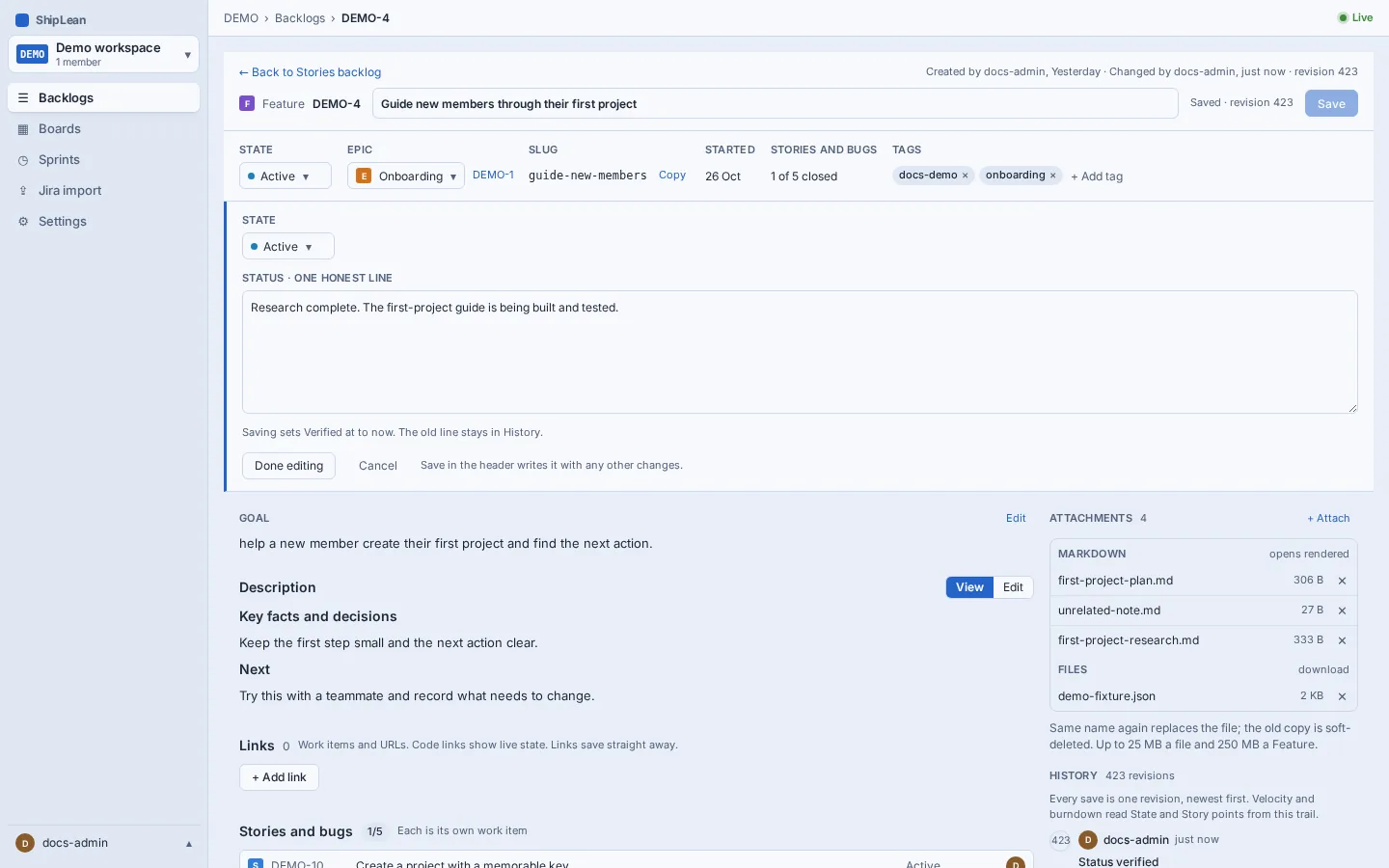
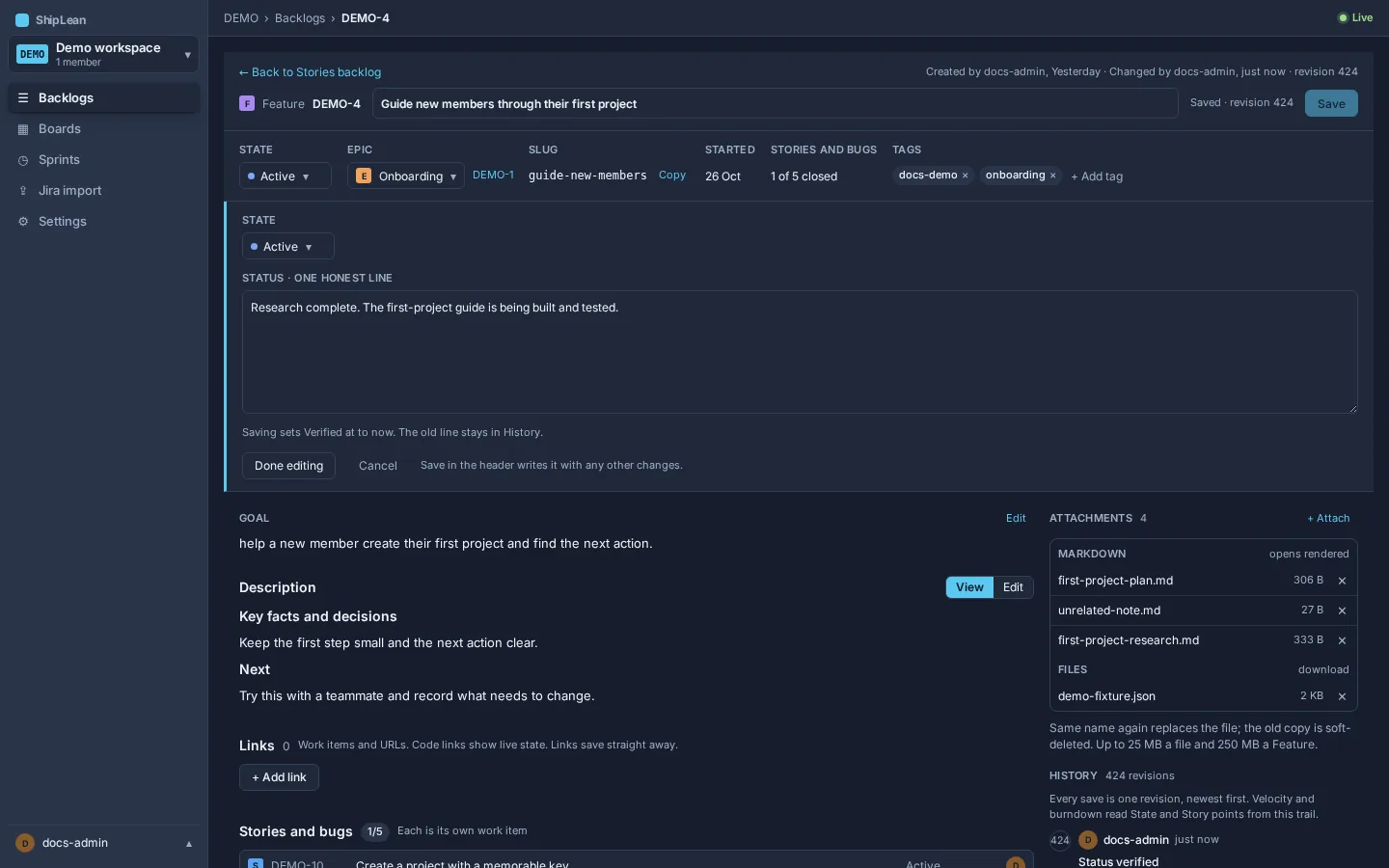
Section titled “Go ahead”If you want to pursue the idea, move the Feature to the first In Progress state. In the default workflow, that state is Active. Update the body with the reason and the next step. Then plan the same Feature by its key. See planning and breaking down.
Park it
Section titled “Park it”If the timing or a missing condition prevents a decision, leave the Feature in its first Proposed state. Start its status line with Parked:, then state why it is waiting and what would make you revisit it. Put the fuller reasoning in the body. A parked idea stays visible without being mistaken for active work.
Remove it
Section titled “Remove it”If the idea should no longer be considered, move it to the Removed state, and write why in the body. In the default workflow, Removed is its own state, and Closed is a Completed state. This keeps the decision in the work record.
The three choices lead to different states. Going ahead moves the Feature to In Progress. Parking keeps it Proposed, with a reason and a way to revive it. Removing records that the idea is no longer being pursued. In the default workflow, the first In Progress state is Active, Proposed is New, and Completed is Closed. Continue with the flow at a glance.