

Agents doing the work
ShipLean supports people and agents working from the same backlog. For the example Feature Guide new members through their first project, choose a pattern: one agent taking a task, a coordinated plan, or a mix of both.
One agent, one task at a time
Section titled “One agent, one task at a time”An agent can find unassigned work in the current sprint with find_work_to_pick_up. It can narrow the list by type or parent. It takes a task with pick_up, which assigns the task to the agent and moves it into the first in-progress state for that type. Work is pulled, not assigned. pick_up refuses an item that someone else already has.
While working, the agent can use update_progress to change the state, add a note or link, or update story points. When it stops, it calls hand_back to unassign the item and return it to the first proposed state, with an optional note about progress. If the item is part of a captured plan, the agent uses report_task to submit the required report instead.
Run a captured plan
Section titled “Run a captured plan”The conductor reads the Feature’s plan with get_brief, then uses plan_status to see the waves, Story and Task states, owners, commits, and review rounds. It starts a wave when the previous wave’s Stories are complete or removed. Agents read their own task brief with get_brief, work independently, and report with report_task when they stop. They report when work is blocked or partial, too.
The report is recorded on the Task. It can include commits, test results, decisions, constraints, and unfinished work. Each unfinished item is recorded as an unowned task for the plan to assign. A completed Task still needs its review. Add reviewer findings as a comment that begins Review · . Keep fix-round notes on the Task. After a Story’s Tasks pass review, close the Story. The next wave can then begin.
Mix people and agents
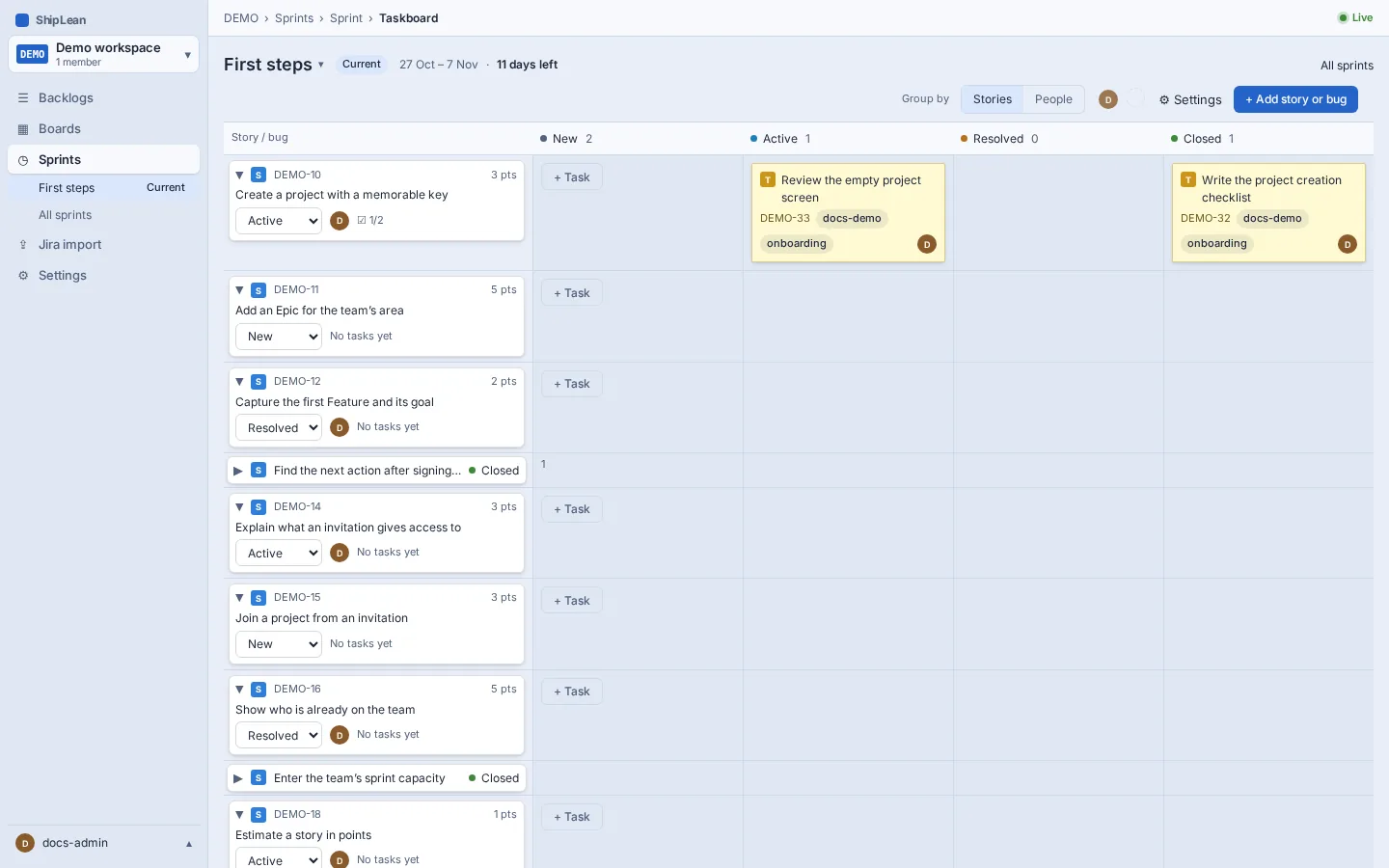
Section titled “Mix people and agents”People and agents can work on the same board and sprint. Assign a task to the person or agent who will take it. History and comments show who made each change, so the next contributor can follow the work.
Keep the run in ShipLean
Section titled “Keep the run in ShipLean”Put progress and handoff information on the Feature, Story, or Task it belongs to:
- Keep brief changes in the task description, and explain them in a comment.
- Put notes for a later wave in a comment on its Story or on the Feature.
- Submit task reports with
report_task. Use comments for review findings and decisions. - Keep the Feature’s status line current.
The next person can read the item, its comments, and its attachments without relying on files from another person’s machine.
Link pull requests to work
Section titled “Link pull requests to work”Include the work item key in a pull request title or branch name. The webhook then links the pull request to ShipLean and closes the item when the pull request merges. For work on the item SHIP-123, put that key in the title. See GitHub and GitLab integrations to configure the webhook.