

Authentication options
ShipLean supports two ways to authenticate MCP requests. Use OAuth when each person connects their own agent. Use a trusted gateway header when a policy proxy has already identified each person.
OAuth for an agent
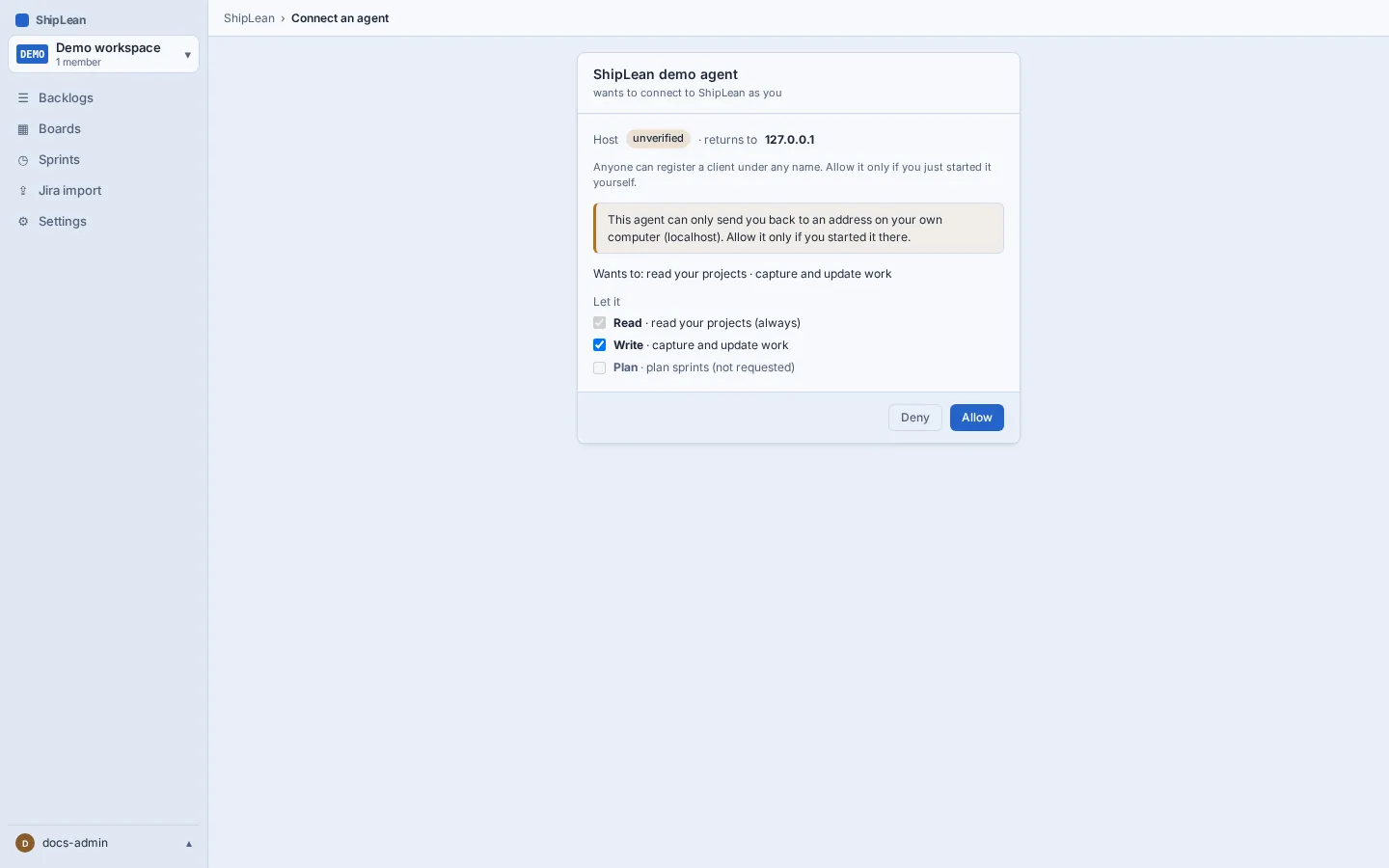
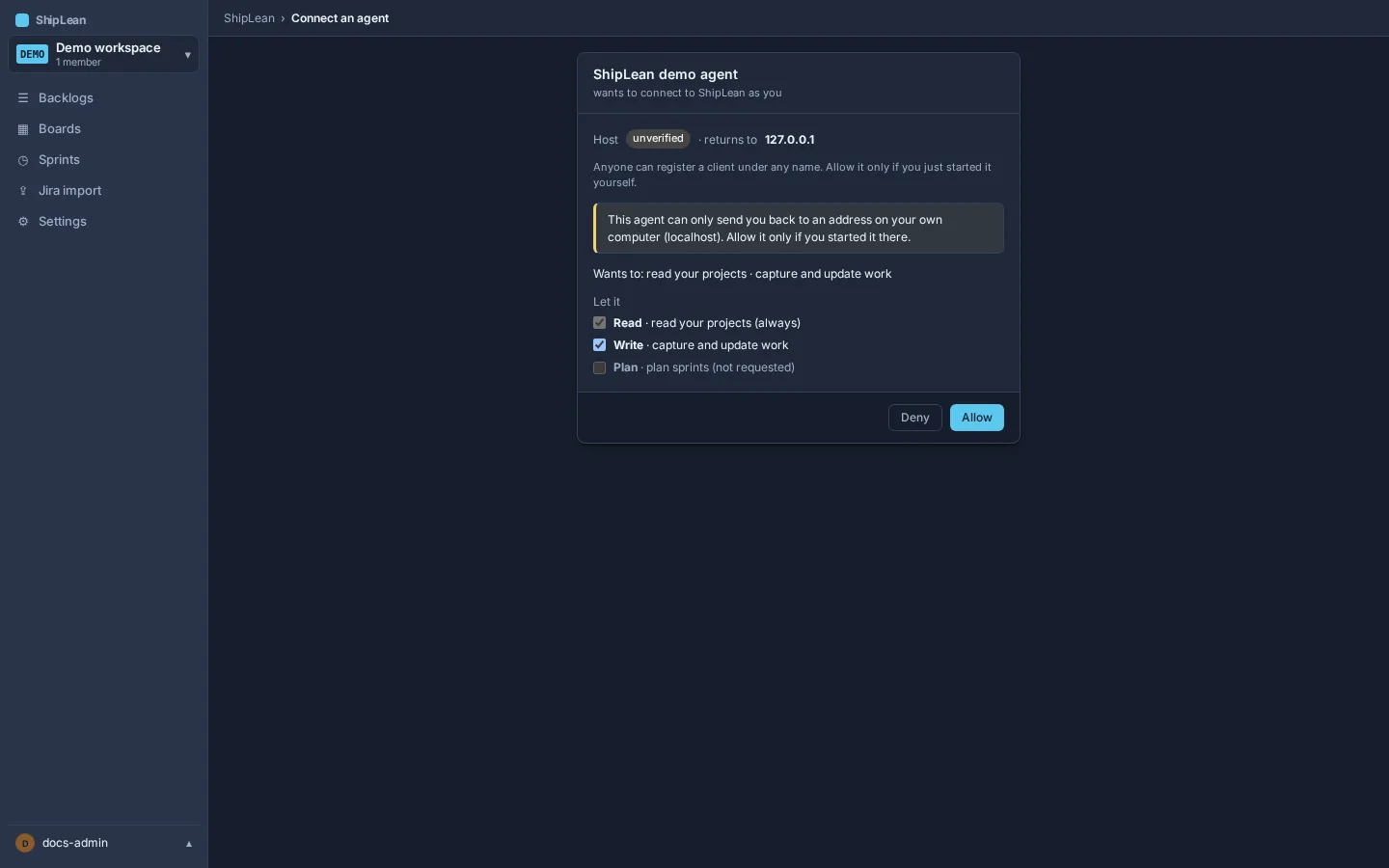
Section titled “OAuth for an agent”When a client first contacts /mcp, ShipLean sends an authorization challenge. The client opens a browser. You sign in, and ShipLean shows a consent page where you can allow or deny the requested scopes.
ShipLean’s clients are public, so they do not keep a client secret. They use the OAuth authorization-code flow with PKCE and the S256 challenge method. The client identity comes from one of two sources:
- a Client ID Metadata Document. The client identifier is an HTTPS URL that serves the client’s name and redirect addresses. ShipLean can verify the identity and show its host on the consent page.
- Dynamic client registration. The client registers its name and redirect addresses with ShipLean. ShipLean labels it unverified.
The MCP authorization specification describes these client registration methods. ShipLean prefers a metadata document when the client provides one, and it supports dynamic registration as a fallback.
Token lifetime and reuse
Section titled “Token lifetime and reuse”An access token lasts 1 hour. A refresh token lasts 90 days from its last use. Each refresh returns a new token pair. If a client presents a refresh token that has already been used, ShipLean revokes that token family. Reusing an authorization code also revokes the authorization it created.
Revoke or reconnect
Section titled “Revoke or reconnect”To revoke one connection, open Your profile, go to Connected agents, and choose Revoke. The client can also revoke its token through the OAuth revoke endpoint. Its next MCP request is refused.
The following changes also invalidate connected agents:
- changing the person’s password, email, or other security-stamp value;
- choosing Sign out everywhere;
- disabling the person;
- archiving the client;
- changing the instance base URL.
After a password or base URL change, update the client’s server address if needed, and authenticate again. For other account changes, reconnect the client once the old authorization is invalid.
Trusted gateway header
Section titled “Trusted gateway header”Set SHIPLEAN_MCP_GATEWAY_EMAIL_HEADER to the name of a header that your trusted gateway sets after it authenticates a person. For example, to use x-user-email, configure ShipLean with:
SHIPLEAN_MCP_GATEWAY_EMAIL_HEADER=x-user-emailAt the gateway, strip any x-user-email value that the incoming client supplies. Then set the header to the authenticated person’s email on requests forwarded to /mcp. For an Nginx-style proxy, the forwarding rule looks like this:
location /mcp { proxy_set_header x-user-email $authenticated_email; proxy_pass http://shiplean;}Replace $authenticated_email with the variable your gateway sets after authentication. The proxy must overwrite the request header. Do not pass through a value the client supplied.
ShipLean finds or creates the user from the email. A usable email header takes precedence over any bearer token, including a valid ShipLean agent token. If the header is absent, blank, repeated, or not a usable email, ShipLean checks the bearer token as usual. Without a valid bearer token, the request is refused. The MCP request has read, write, and plan access. It has no agent identity, so edits and comments are attributed to the person. Normal project membership still applies, and a person outside a project cannot access it.
Compare the options
Section titled “Compare the options”| OAuth agent | Trusted gateway header | |
|---|---|---|
| Best for | Each person connecting an agent client | A gateway that already authenticates people |
| Who signs in | The person signs in and consents in a browser | The gateway authenticates the person |
| Permissions | The connection receives the scopes you approve | Read, write, and plan are available |
| History and comments | Show the agent connection name | Show the person’s name; no separate agent identity |
| Revoke access | Revoke that connection from Your profile | Stop the gateway from forwarding the header, or disable the user |
See scopes and step-up for how OAuth permissions are requested and expanded.