

Instance settings
Instance settings let instance admins manage the ShipLean installation and see projects across it. You need instance-admin access to use these settings.
The address is /instance/:tab, where :tab is general, users, projects, or integrations.
Overview
Section titled “Overview”
Set instance details and project creation
Section titled “Set instance details and project creation”Open General to edit the instance name and base URL. Choose whether everyone or only instance admins may create projects. Save the changes when finished. The base URL is used to form agent connection addresses. Changing it disconnects existing agents, which must connect again.
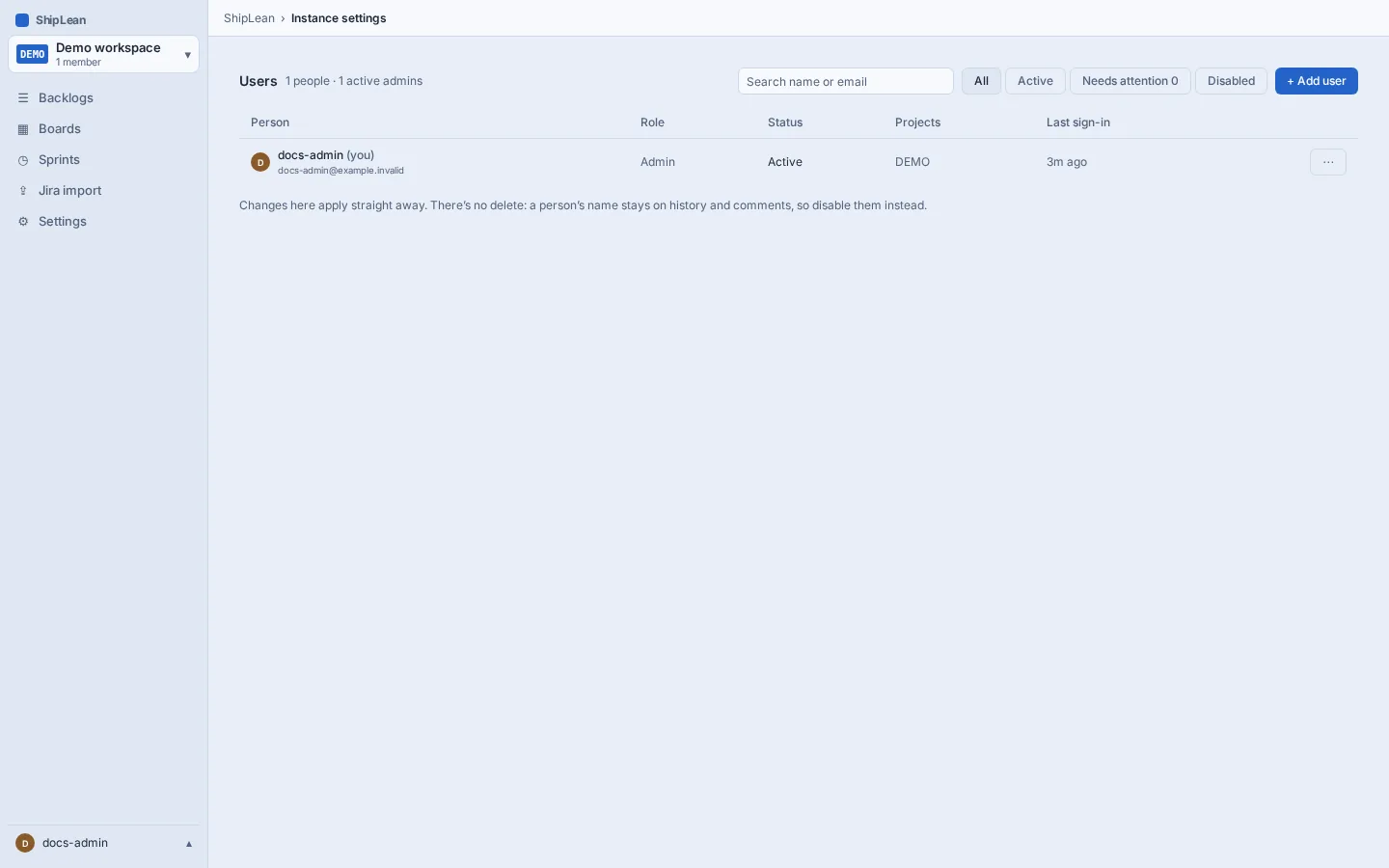
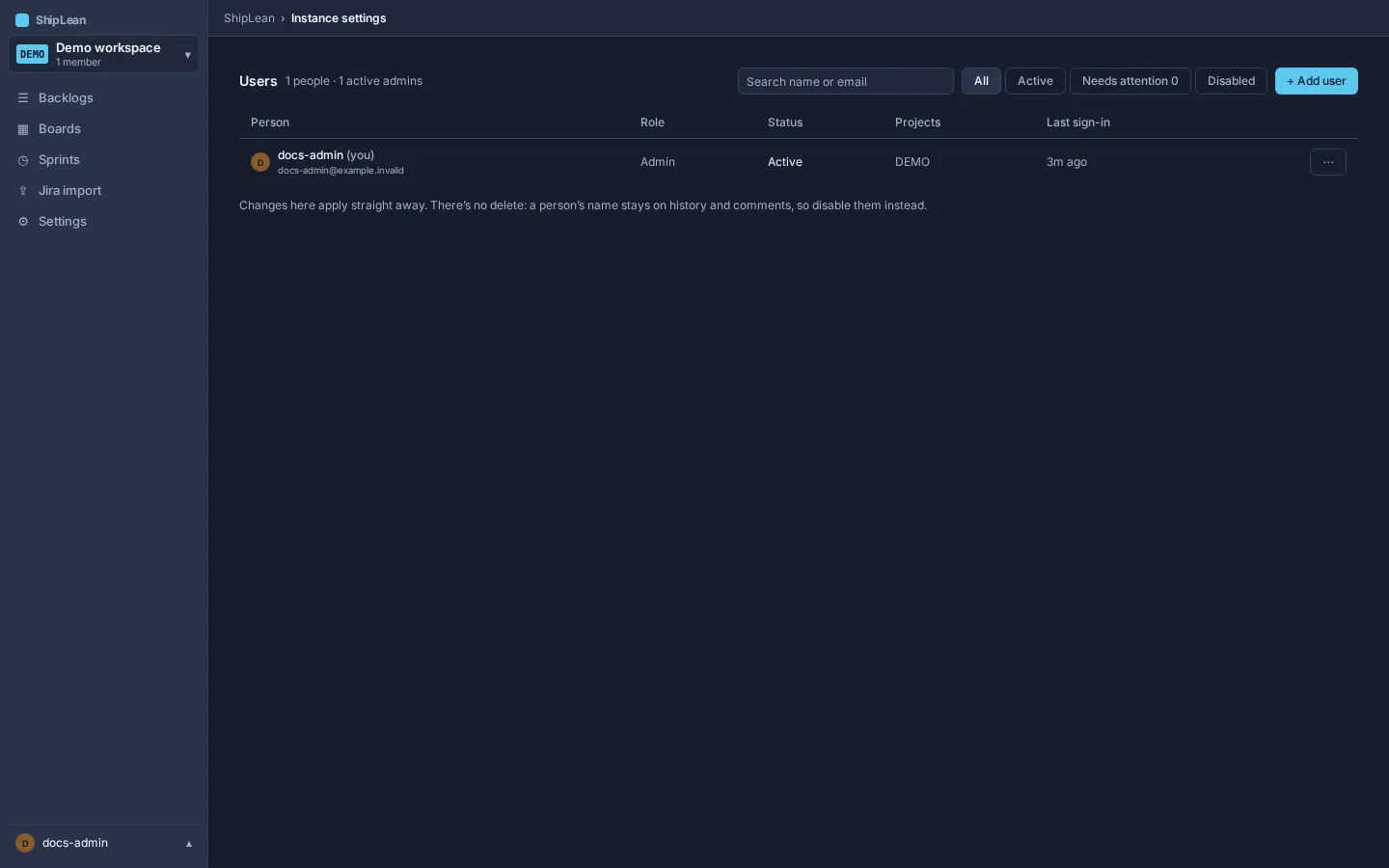
Manage users
Section titled “Manage users”Open Users to find users and view their status, project memberships, and last sign-in. An admin can open a user’s actions to manage their access. The actions include granting or removing instance-admin access, issuing a one-time password, unlocking a locked account, and disabling the account. Disabling an account ends its sessions and agent access.
Review projects
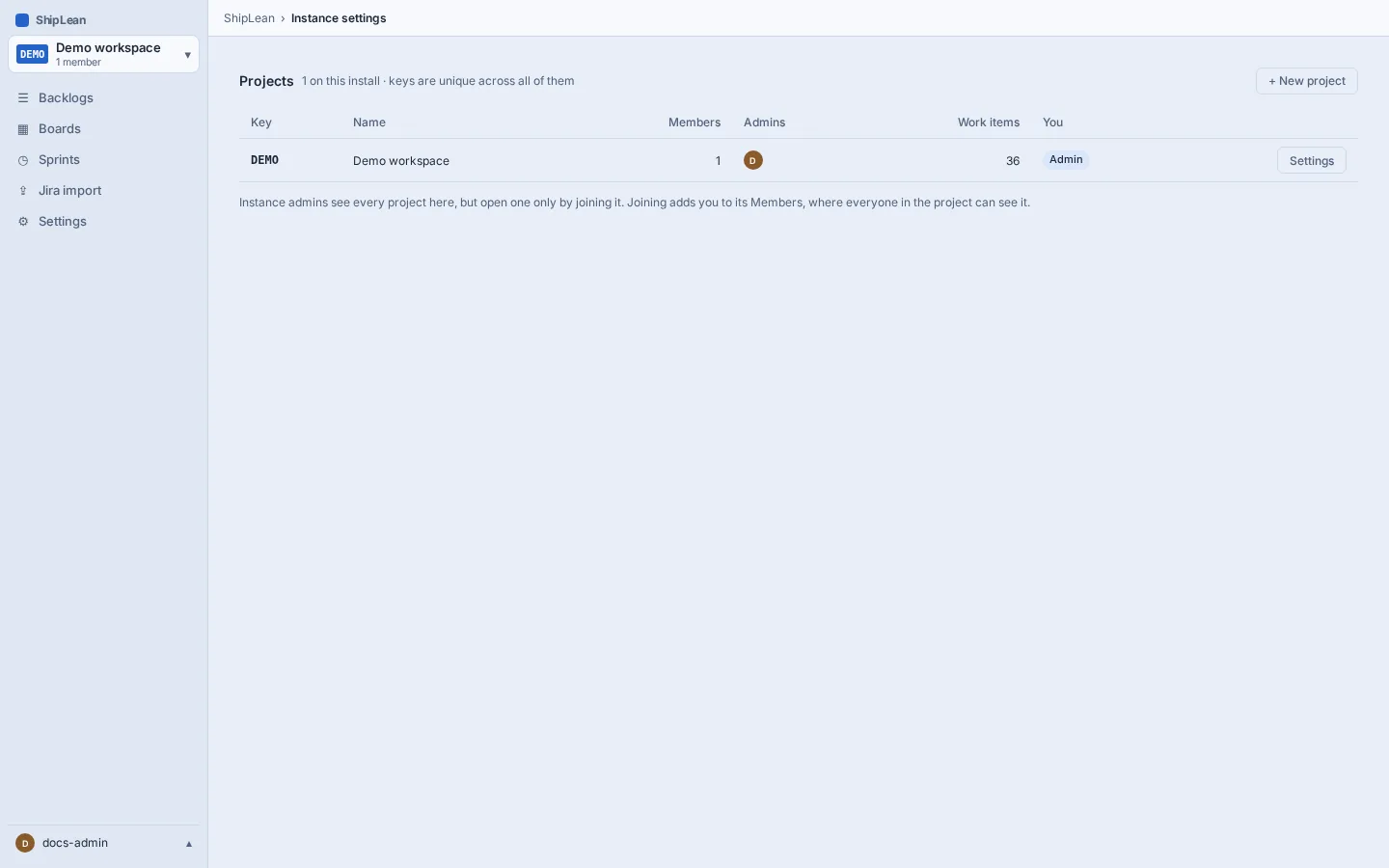
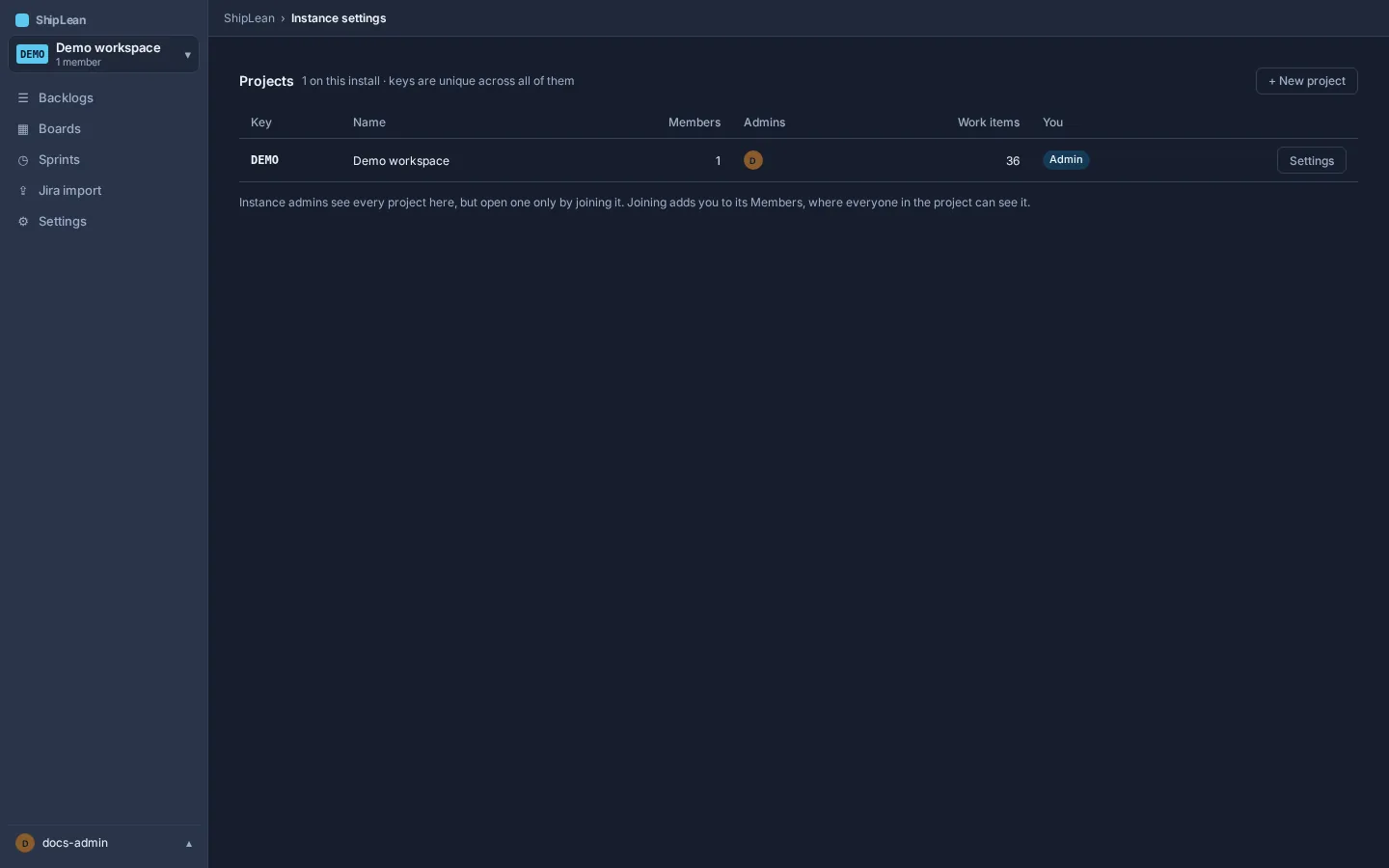
Section titled “Review projects”Open Projects to see projects across the instance, their members, and their project admins. An instance admin does not automatically become a member of each project. To enter a project’s settings, first join it as an admin from its row. Joining gives you explicit membership.
Configure integrations
Section titled “Configure integrations”Open Integrations to manage the installation’s shared integration settings. The available settings cover GitHub, GitLab, and the allowed hosts used by Jira import. Save changes from this tab.
Access rule
Section titled “Access rule”Instance-admin access is for managing the installation. It does not grant access to project data by itself. Join a project, or ask one of its admins to add you, before opening its work.