

Boards
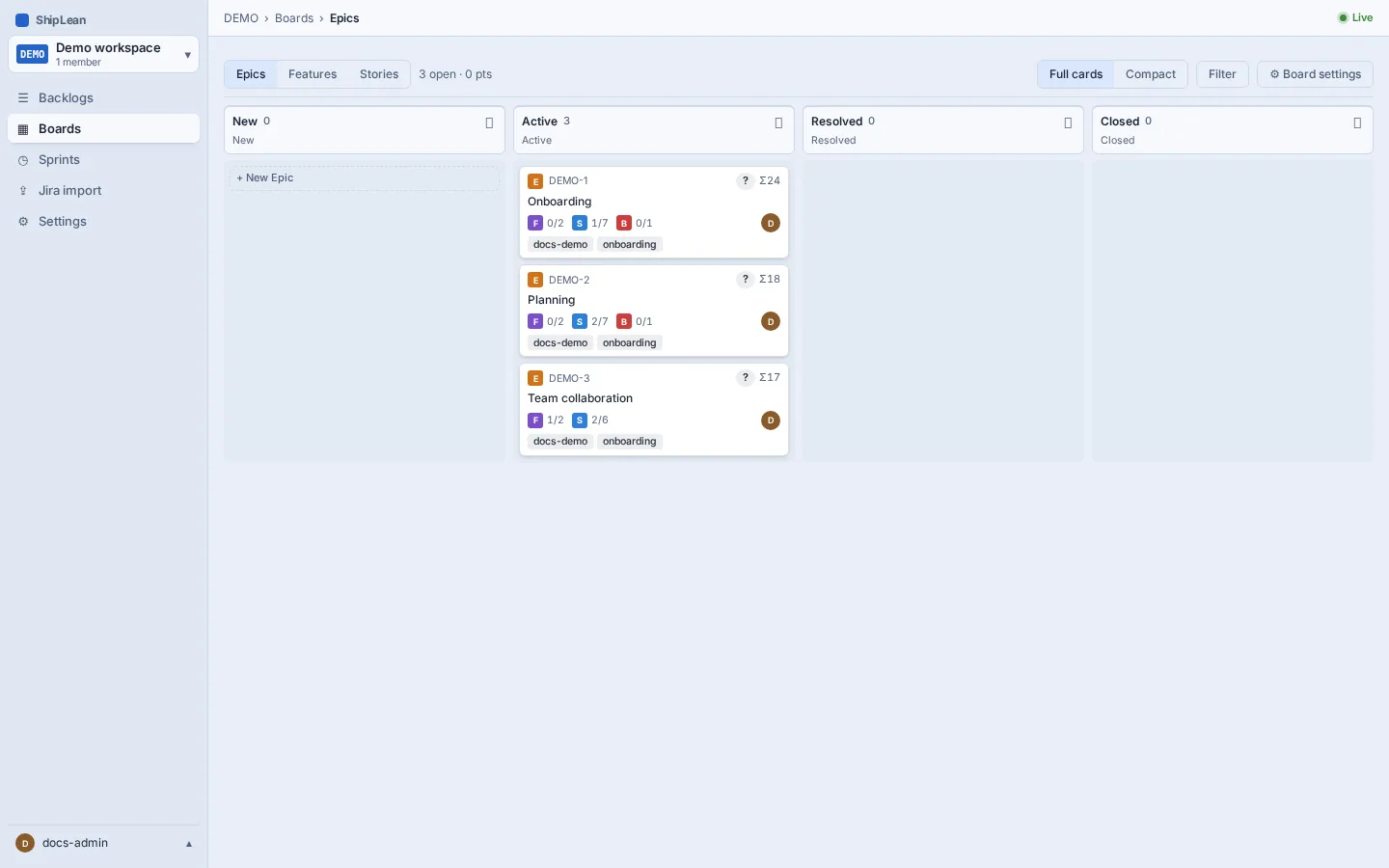
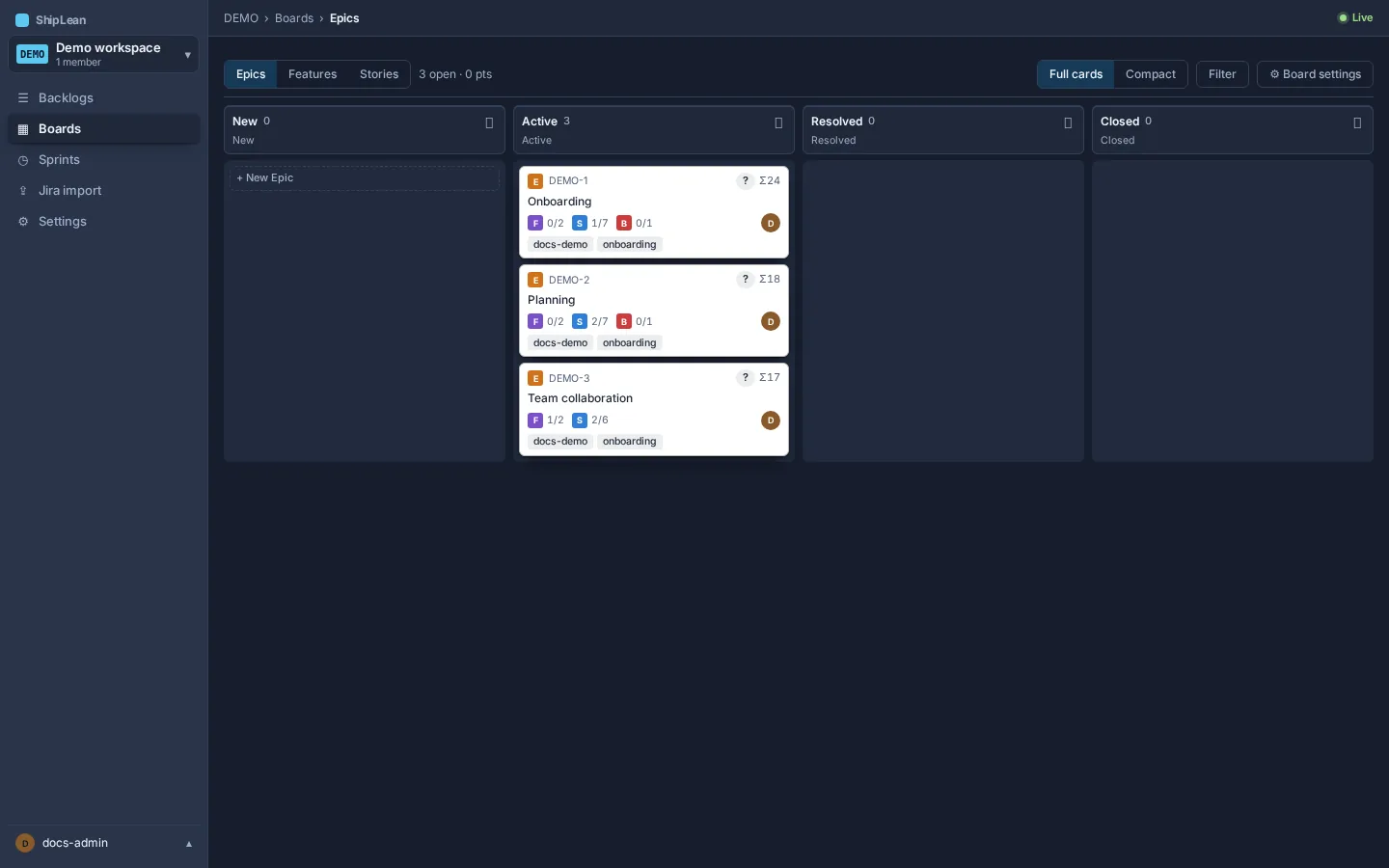
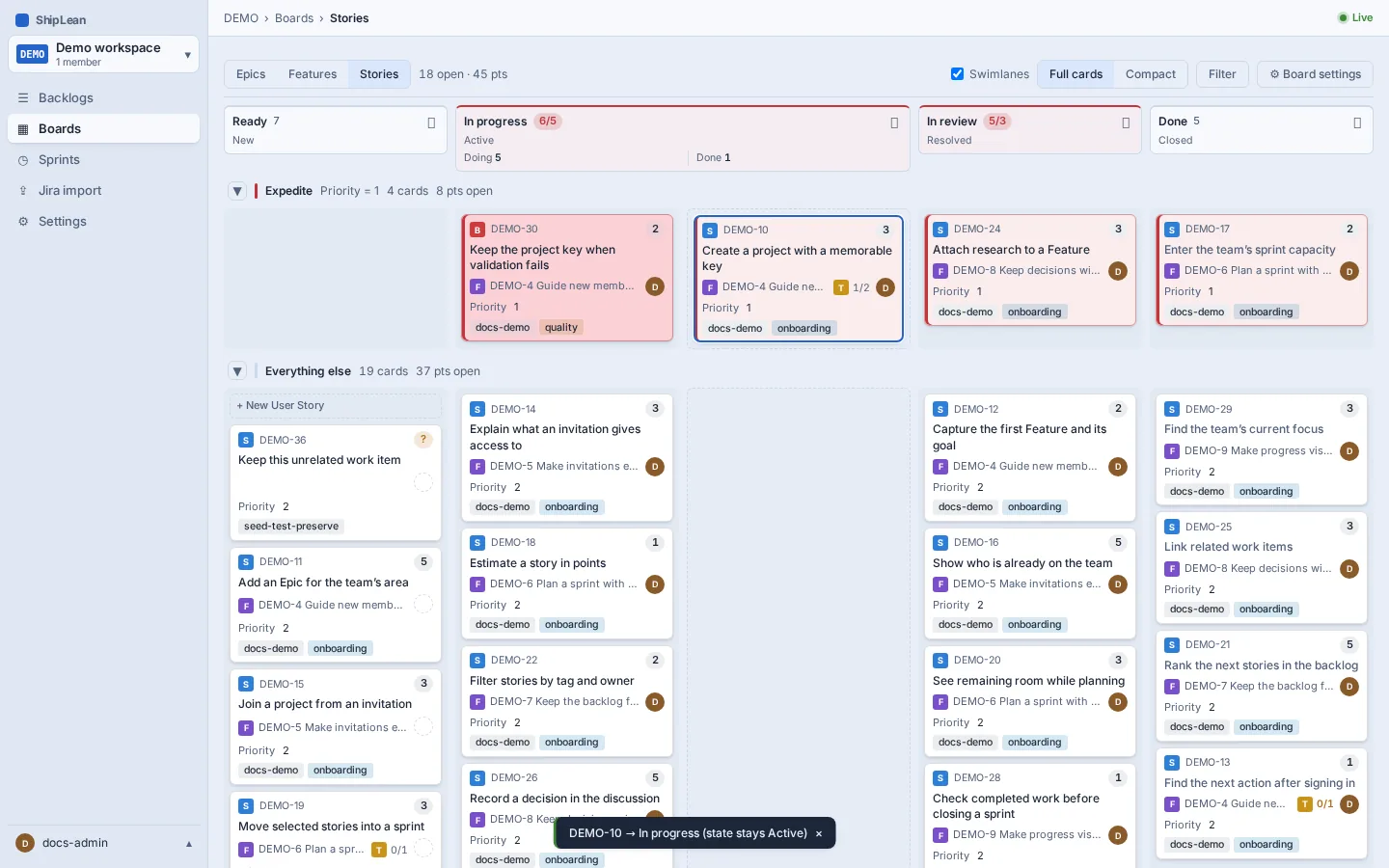
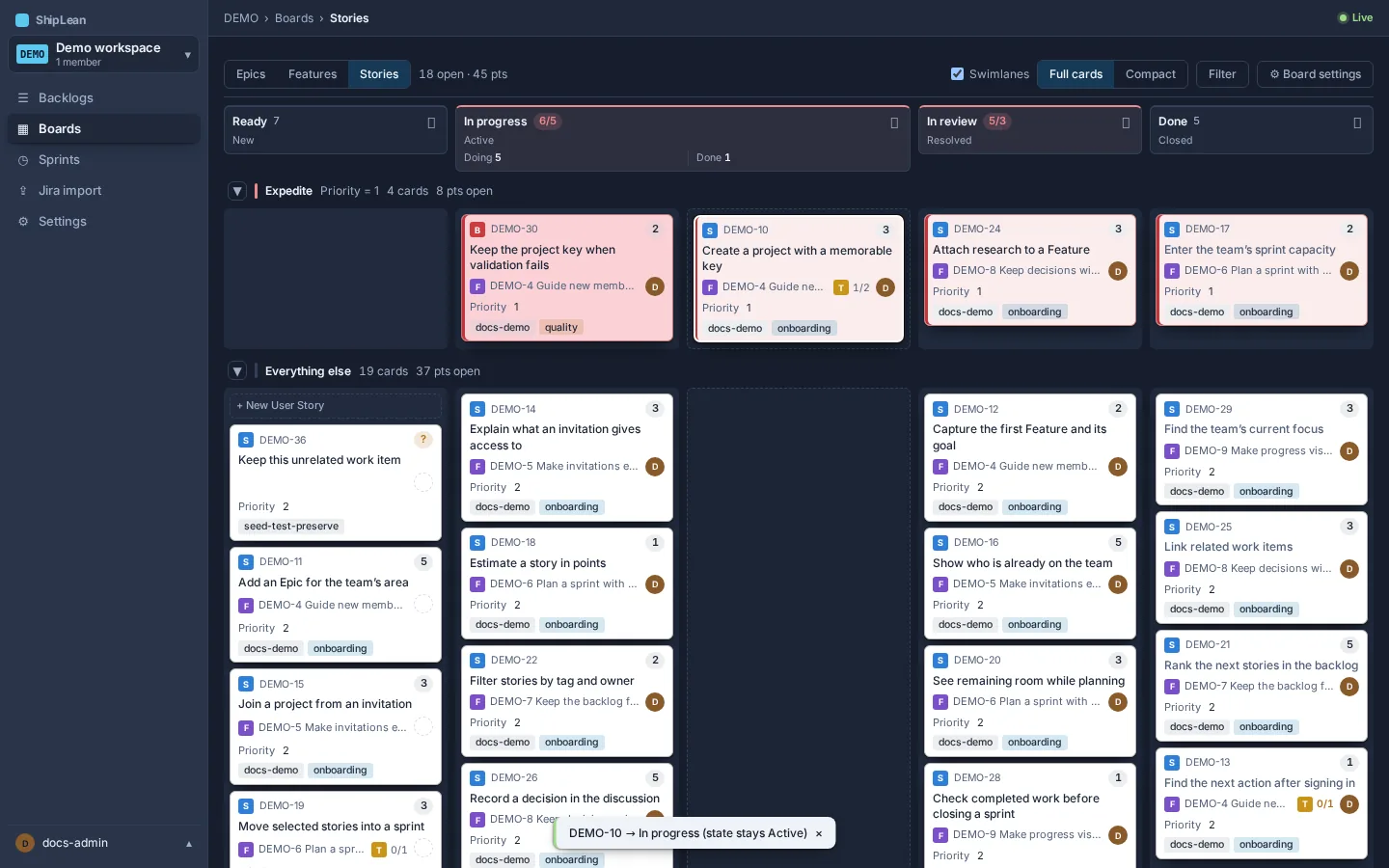
Use boards to move work through the states your team has mapped to columns. The Stories board shows Stories and Bugs. The Features board shows Features. The Epics board shows Epics.
The addresses are /p/:key/boards/stories, /p/:key/boards/features, and /p/:key/boards/epics.
See a board
Section titled “See a board”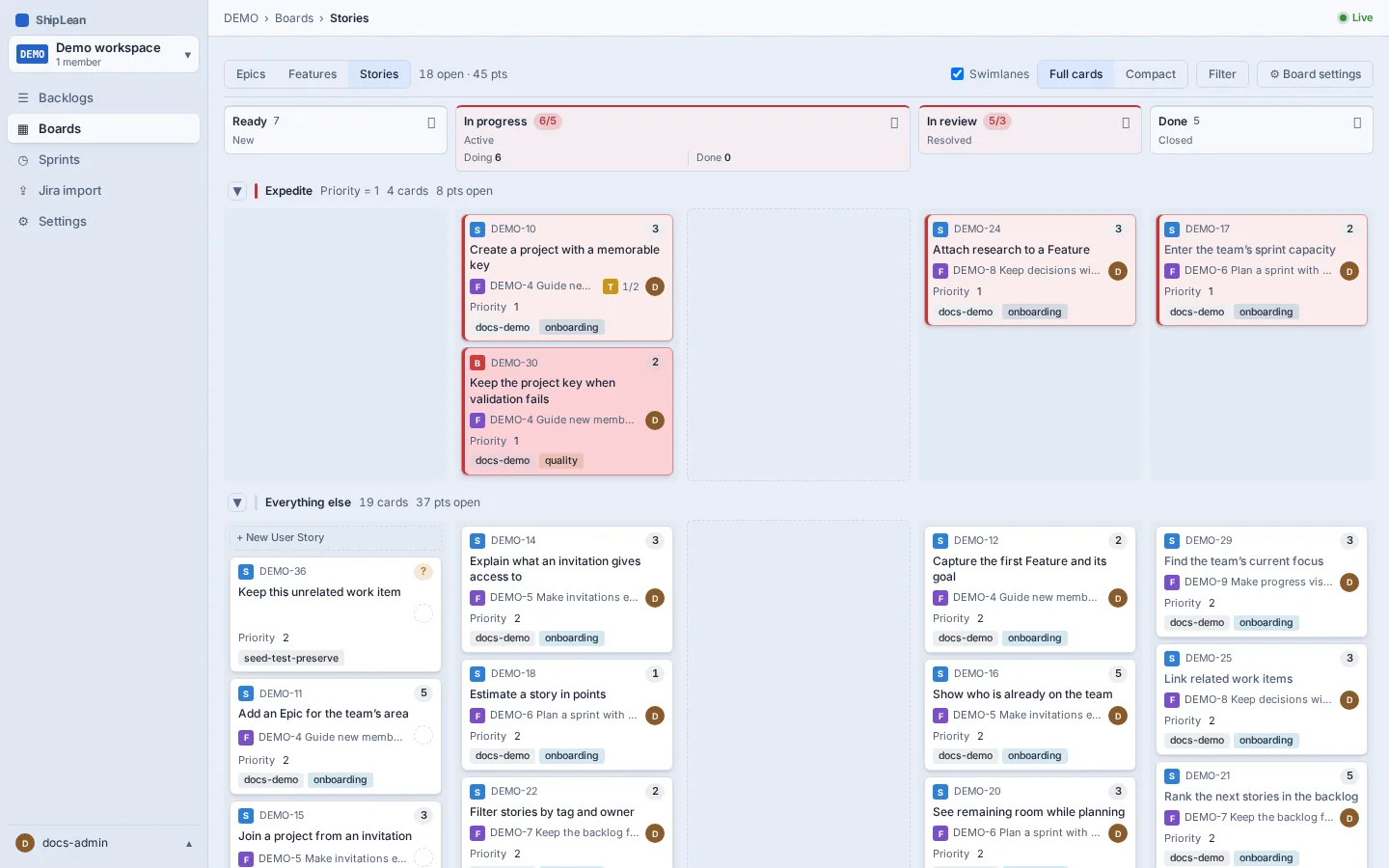
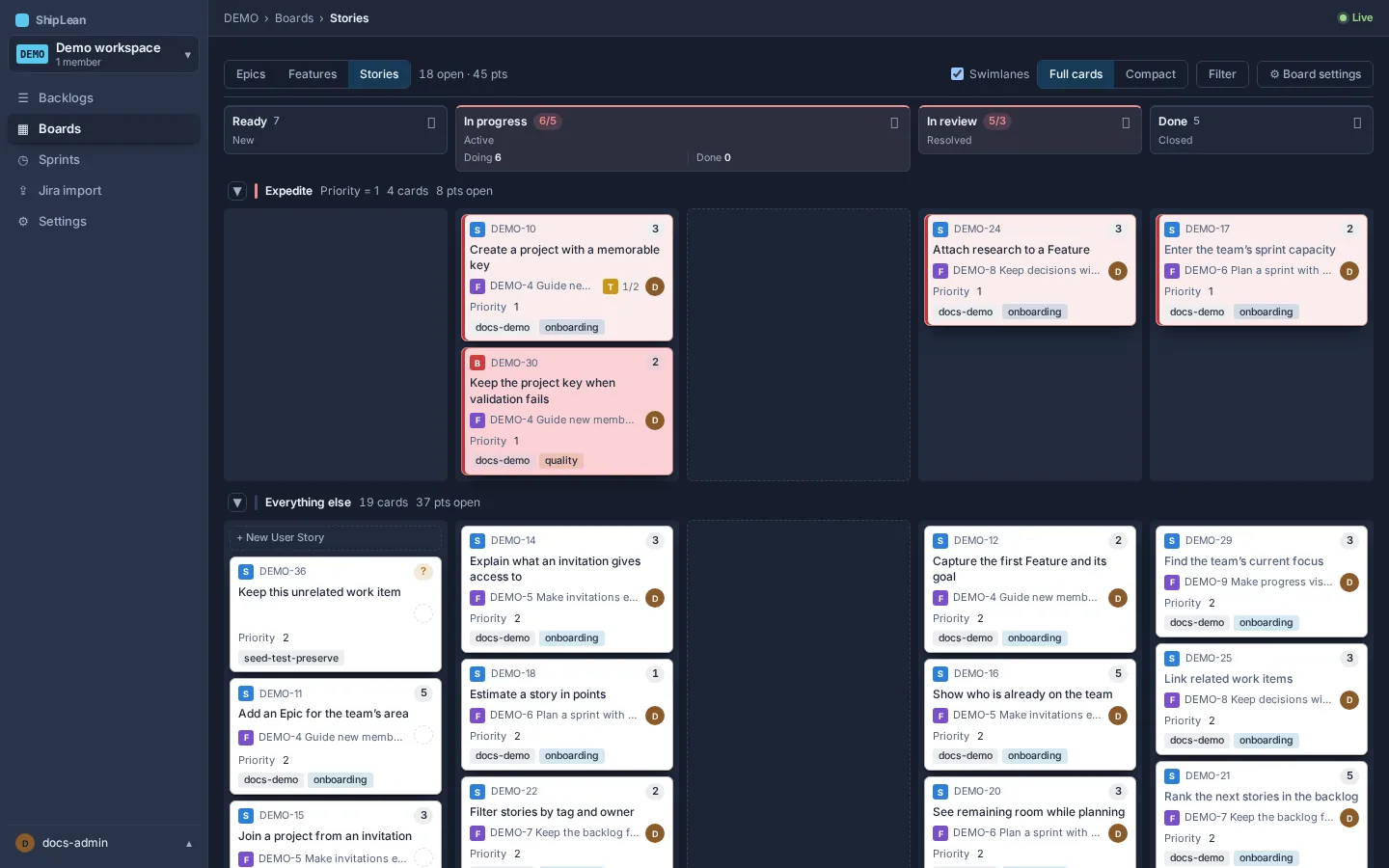
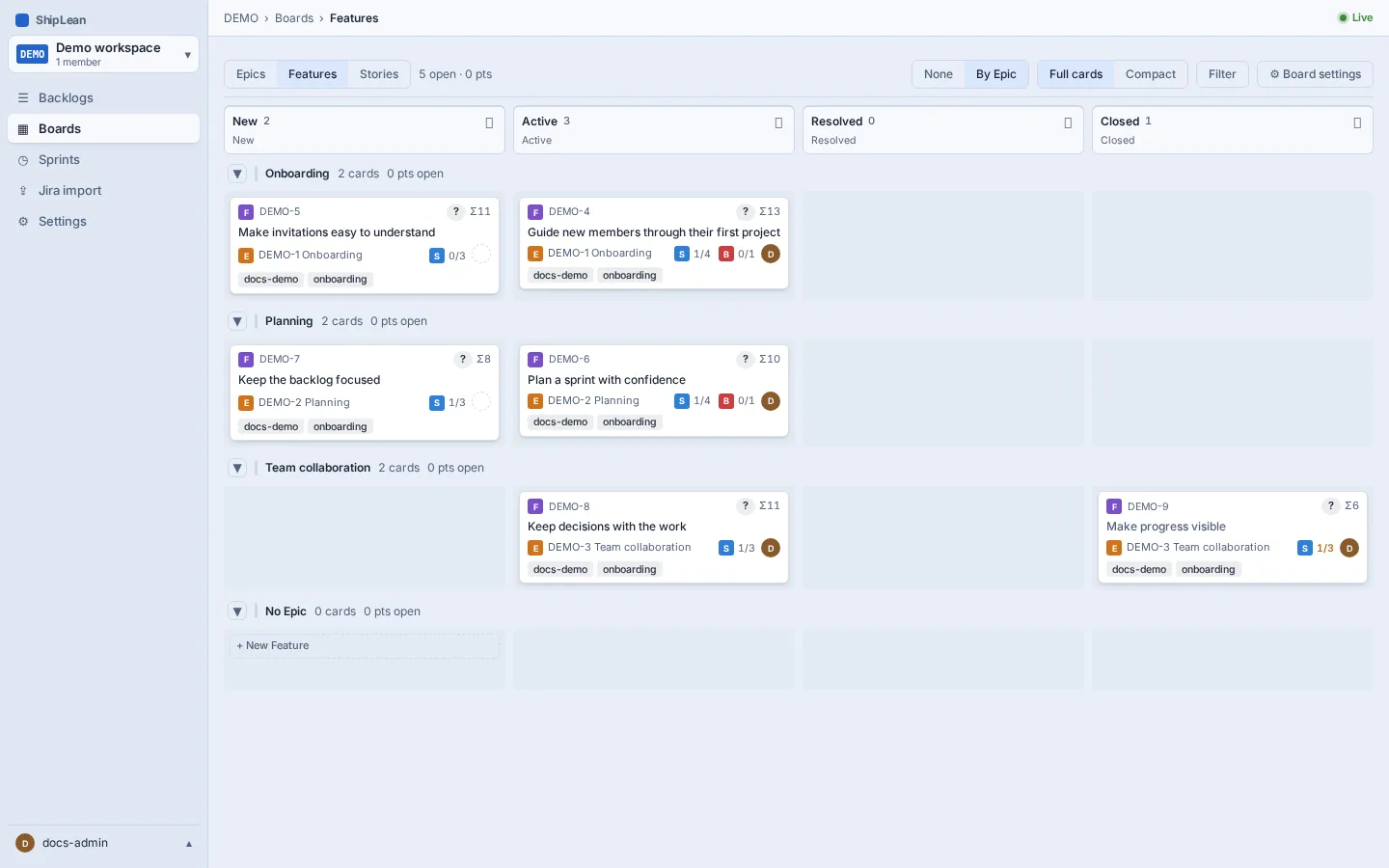
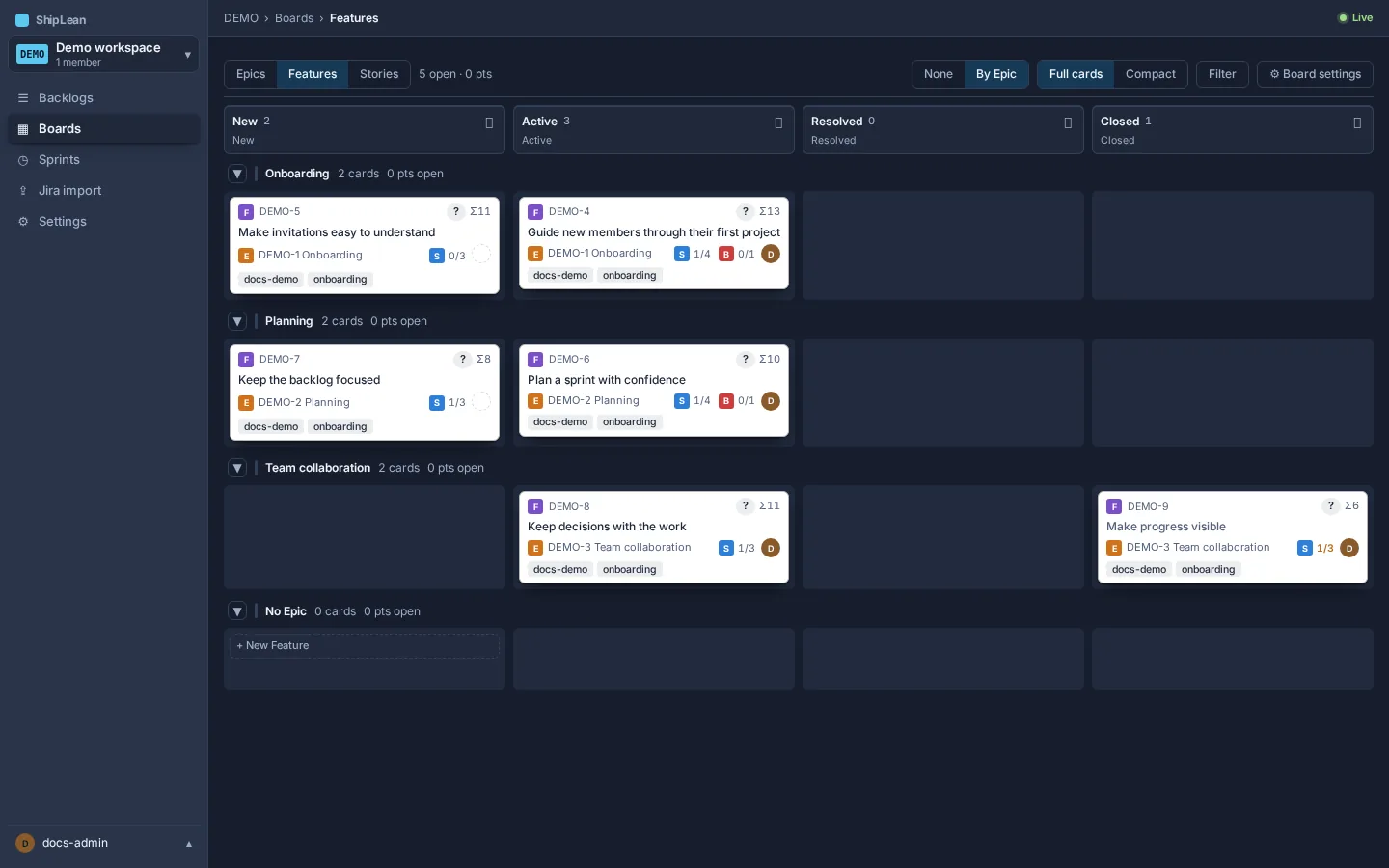
Choose Stories, Features, or Epics from the board level control. Each board has its own columns and card settings. The Features board can also group cards into one lane per Epic.
Move a card
Section titled “Move a card”Drag a card to another column to change its state. Drop it on a card to place it above that card.
To move a card without a mouse, focus it and press Alt+Arrow in the direction you want to move. The card keeps focus after it moves. Left and right move it to the next column or split half. Up and down change its position in the same cell.
Group Features by Epic
Section titled “Group Features by Epic”On the Features board, choose By Epic in the Lanes control. Choose None to show one set of columns. The lane choice is saved for your account.
Open child work from a roll-up
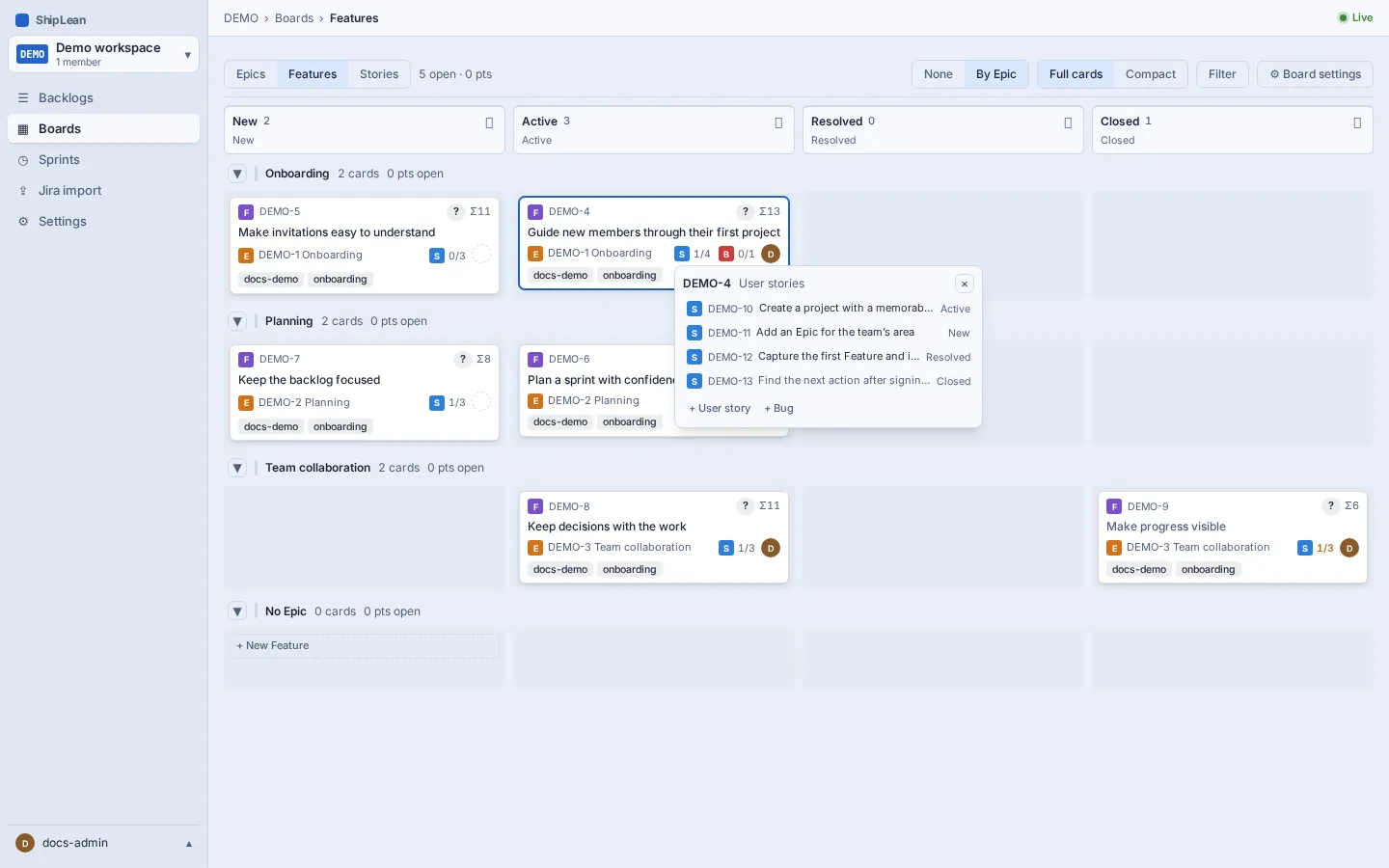
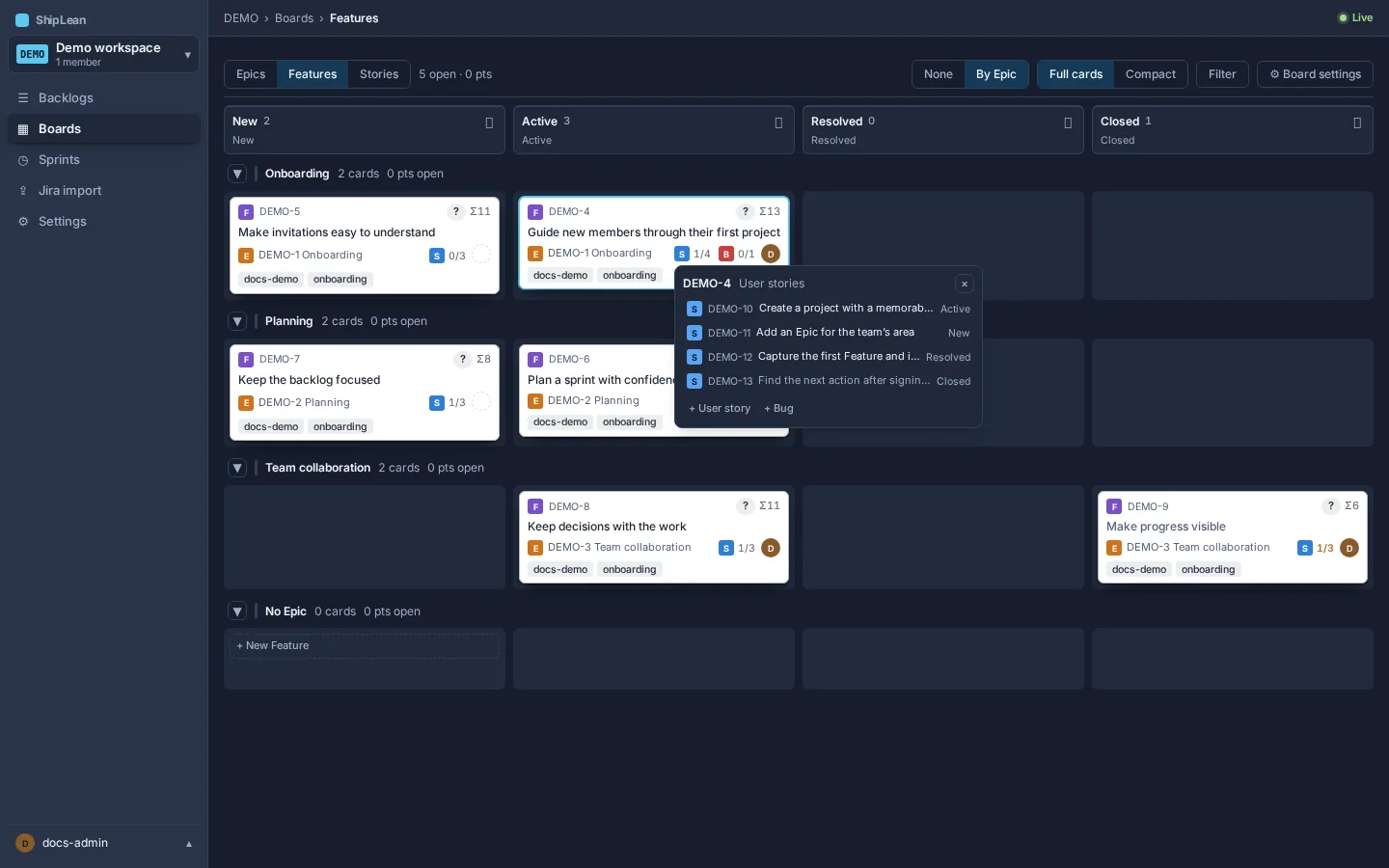
Section titled “Open child work from a roll-up”Feature cards can show roll-ups for their Stories and Bugs. Epic cards can show roll-ups for their Features. Select a roll-up to open the child list, then select a child to open it.
Confirm work before marking it done
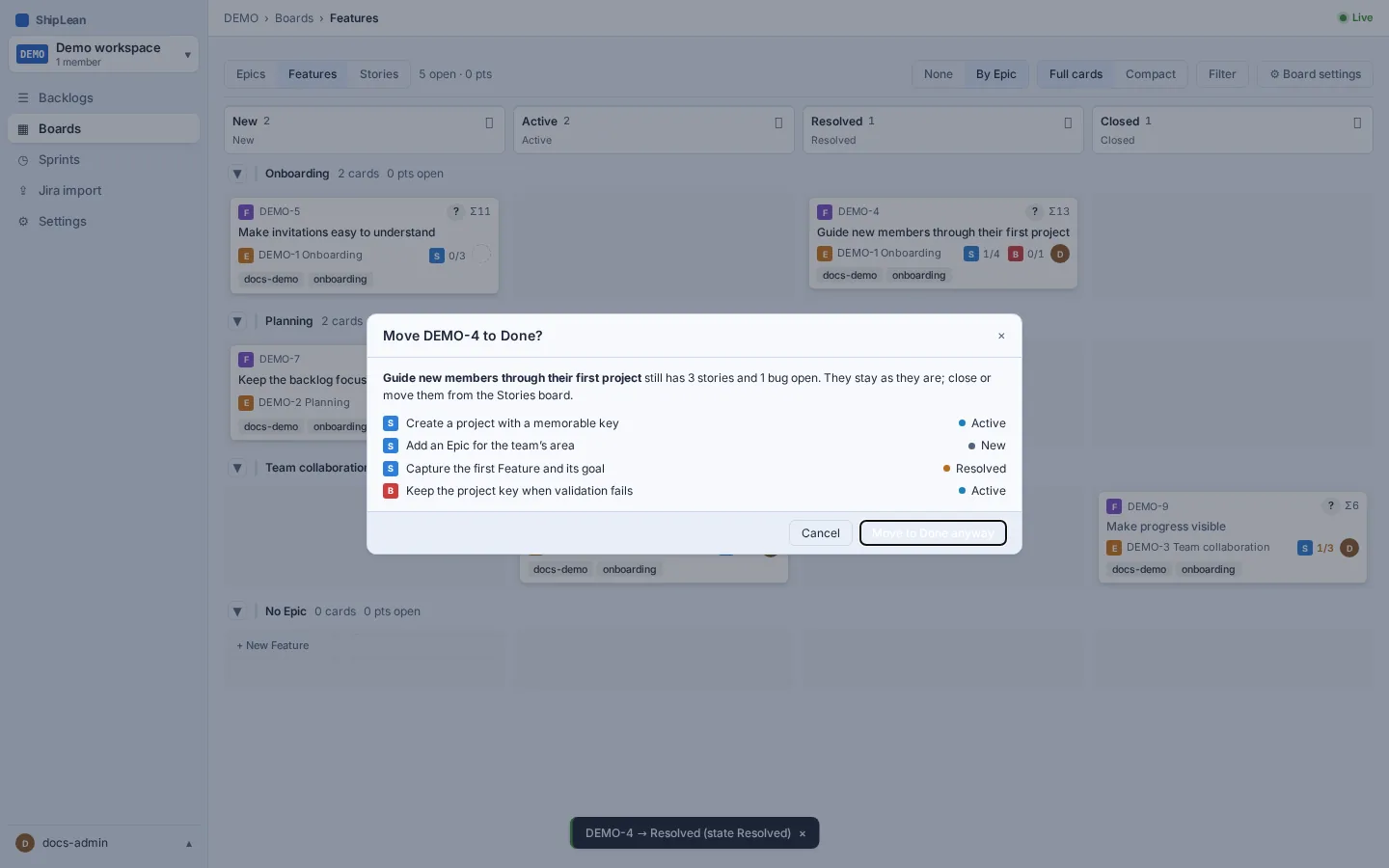
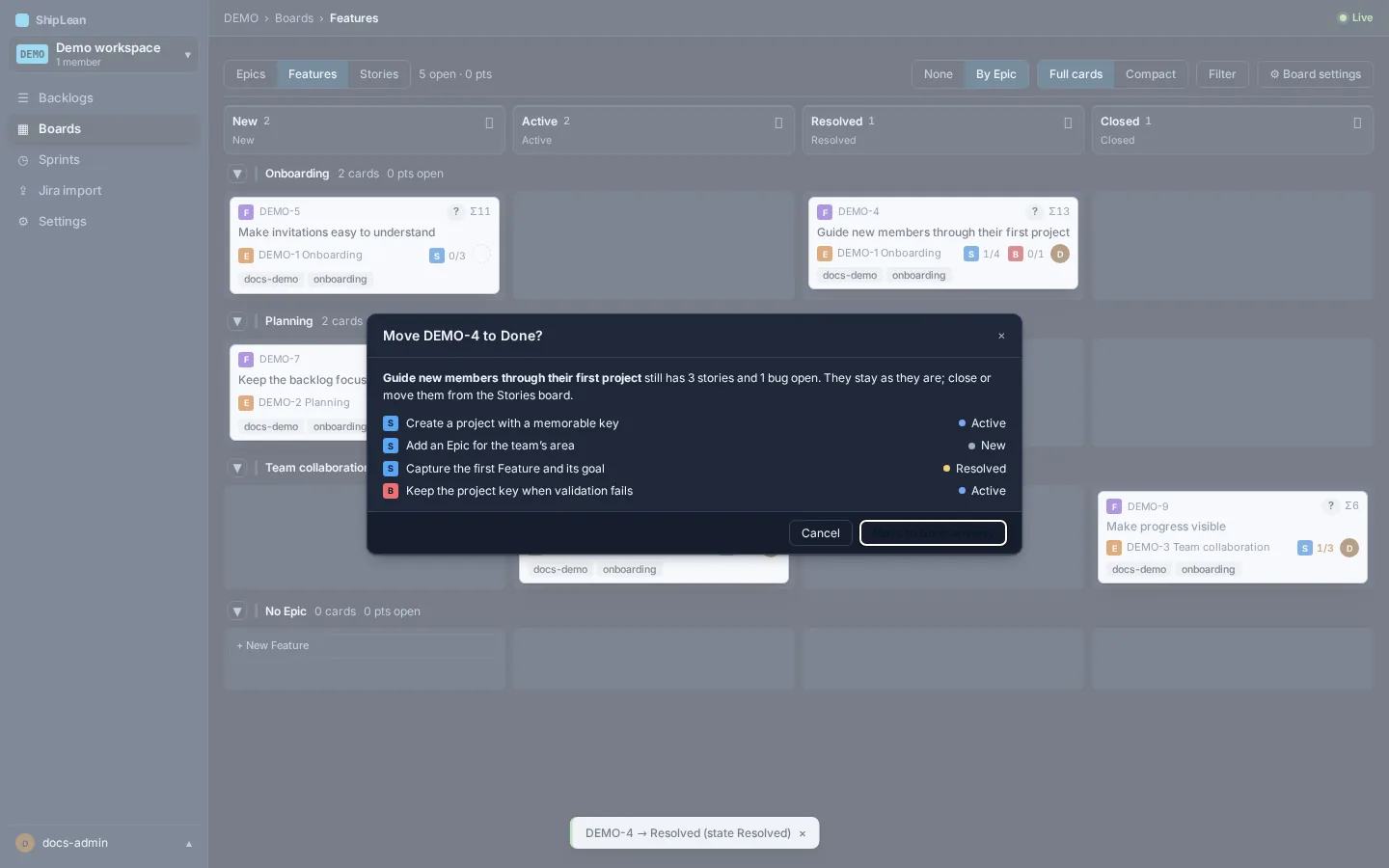
Section titled “Confirm work before marking it done”When you move a Feature with unfinished child work into a Done column, ShipLean opens a confirmation with the children that are not done. Review the list, then confirm the move or cancel it. This check does not appear when no child work is unfinished.
Options
Section titled “Options”- Use the board level control to switch between Stories, Features, and Epics.
- On Stories, turn swimlanes on or off when the board has lanes configured.
- On Features, choose By Epic or None for lanes.
- Open Settings to change this board’s columns, card fields, styles, tag colours, annotations, and other available options. See Board settings.
Keyboard shortcuts
Section titled “Keyboard shortcuts”- Alt+ArrowLeft/Right moves the focused card to the next column or split half. Alt+ArrowUp/Down moves it one position within the same cell.