
The flow at a glance
ShipLean is the record from the first idea through delivery. Keep the goal, evidence, decisions, and handoff notes on the Feature. The next person can then continue without relying on files on one machine.
These stage names describe how you work. They are not all Feature states. In the default workflow, a new idea is New, work in progress is Active, and completed work is Closed. To park an idea, leave it in a Proposed state and explain why in its status line.
The stages
Section titled “The stages”Epic: choose an area
Section titled “Epic: choose an area”Use an Epic for a broad area such as onboarding or search. It groups related Features and can provide lanes on the Features board. See Epics as areas.
Idea: capture the goal
Section titled “Idea: capture the goal”An idea starts as a Feature in the first Proposed state, with a clear goal and an Epic. Search first, and reuse a matching Feature. See Capturing ideas.
Research: keep evidence with the Feature
Section titled “Research: keep evidence with the Feature”Ask an agent to investigate the question. Then attach the findings, link the sources, and record the session on the same Feature. This keeps the evidence available to the next person. See Researching an idea.
Evaluate: make the decision visible
Section titled “Evaluate: make the decision visible”Use the evidence to go ahead, park the idea with a reason and a condition to revisit it, or remove it. Put the reasoning in the Feature body. See Validating an idea.
Plan: turn the Feature into work
Section titled “Plan: turn the Feature into work”Plan the same Feature by its key. Break it into Features, Stories, and Tasks as needed. Keep the briefs and decisions on those items. See Planning and breaking down.
Build: hand off work
Section titled “Build: hand off work”People and agents can work from the same backlog. Keep progress, reports, and review notes on the work items so another person can pick up the thread. See Agents doing the work.
Done: capture what you learned
Section titled “Done: capture what you learned”When the Feature is complete, move it to the first Completed state, which is Closed by default. Record the outcome, and attach a short retrospective. Carry useful lessons into the next plan. See Finishing and learning.
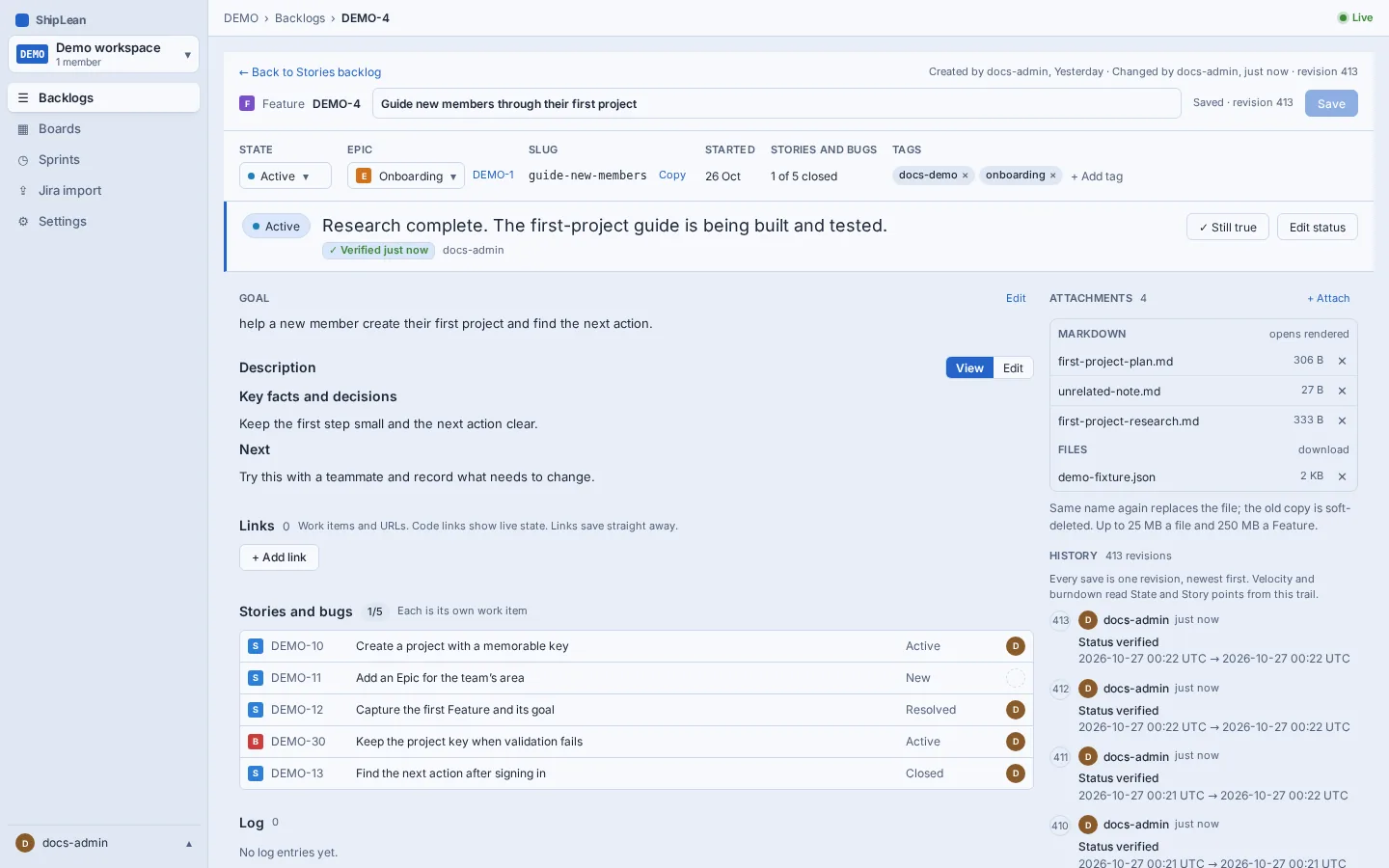
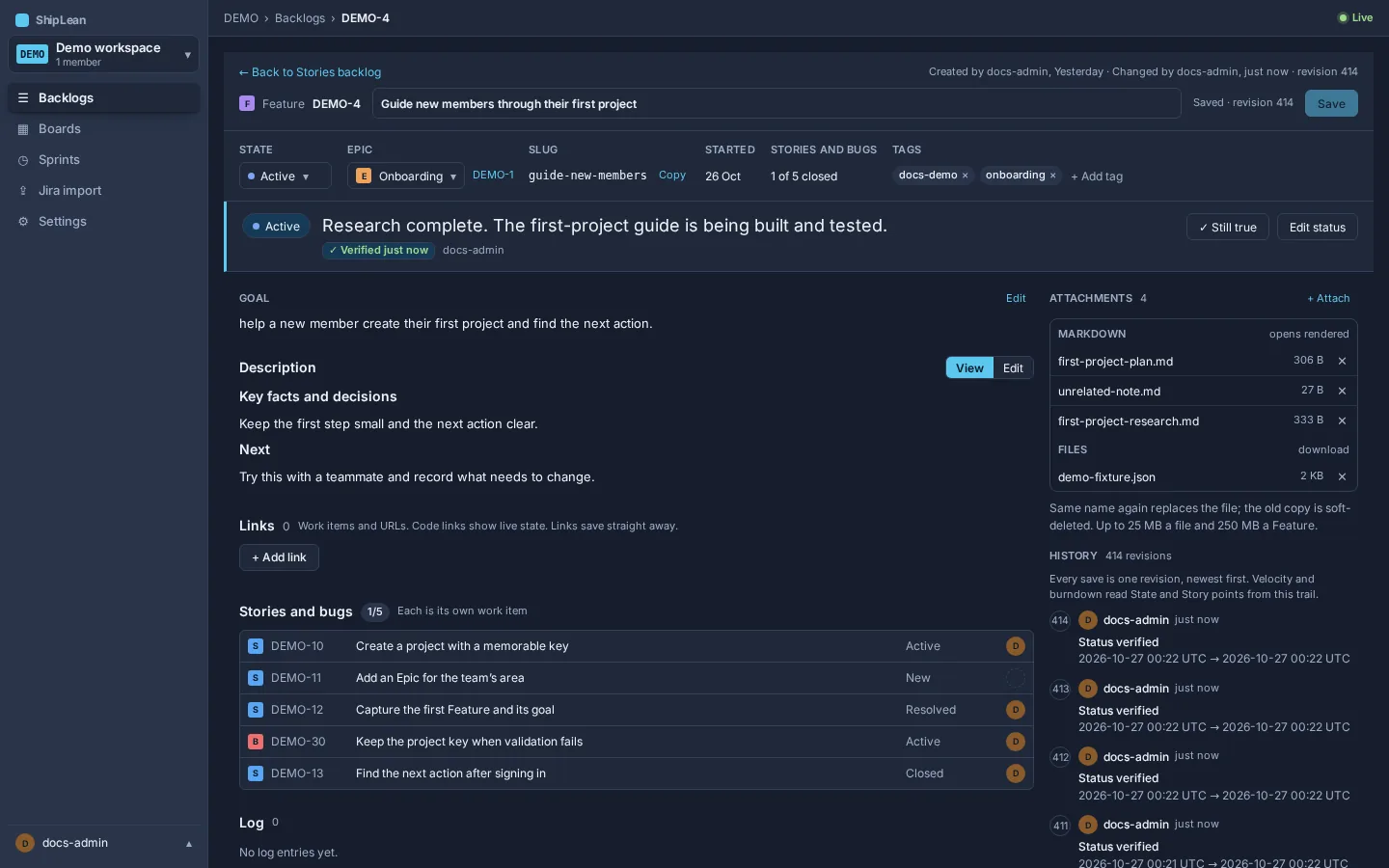
Follow one Feature
Section titled “Follow one Feature”The seeded example Guide new members through their first project has the goal of helping a new member create a project and find their next action. The later pages follow this same Feature through the flow.