

Sprint backlog
Use a sprint backlog to follow committed and completed work, see the burndown, and review the stories, bugs, and tasks assigned to the sprint.
The address is /p/:key/sprints/:sprintId/backlog.
Overview
Section titled “Overview”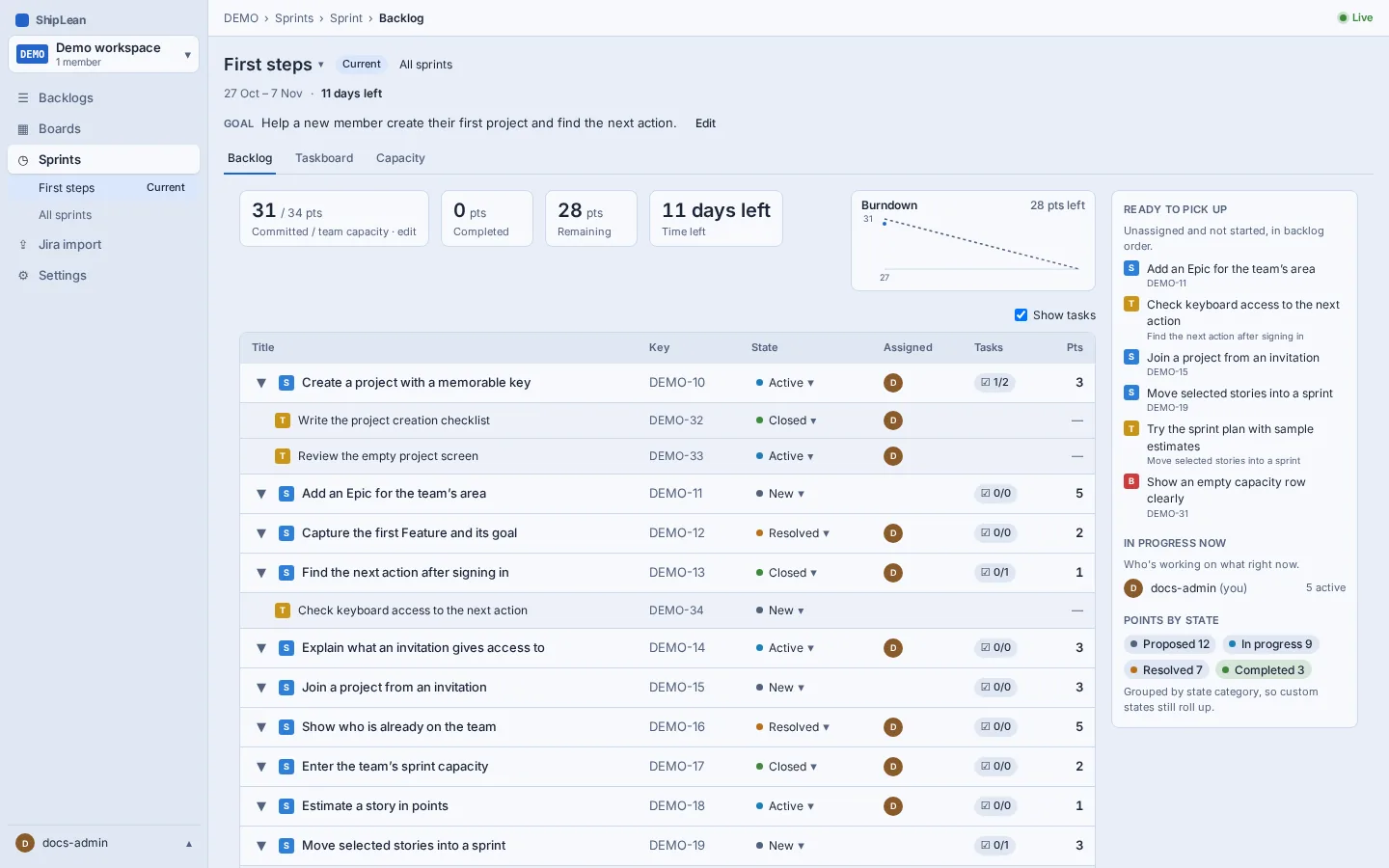
Read the sprint progress
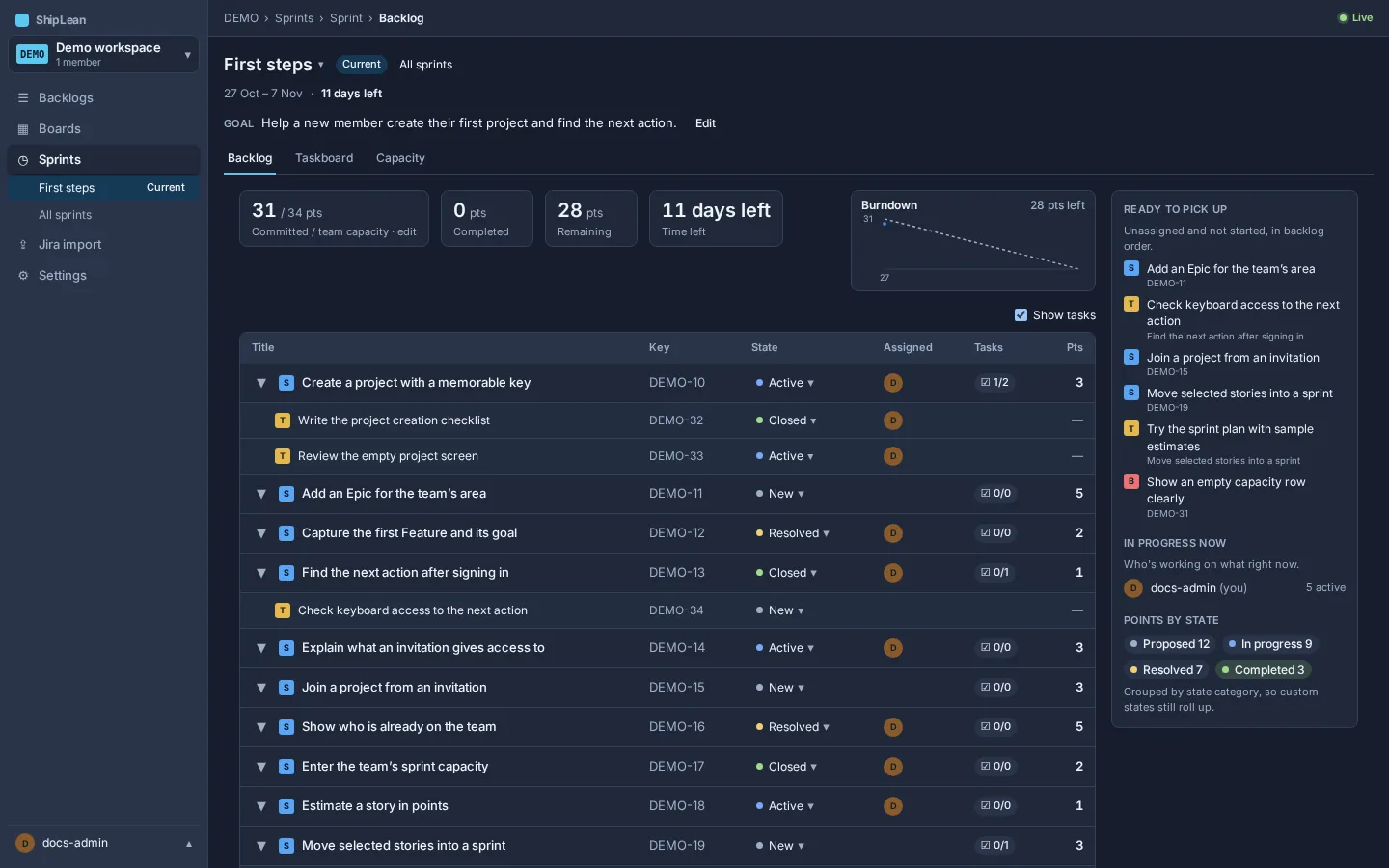
Section titled “Read the sprint progress”The summary compares committed, completed, and remaining points. The burndown chart shows remaining work across the sprint’s working days against the ideal line. Review the backlog table and the side rail for work by state and team member.
From the sprint menu, open Capacity to edit the points available per person. The capacity view also compares the team total with committed points and velocity.
Review unfinished work at sprint end
Section titled “Review unfinished work at sprint end”To review a pending rollover, open Sprints, or open Backlogs, then Stories. ShipLean shows the review there for an ended sprint with unfinished work. It does not appear on this sprint backlog page. Review each unfinished item and choose whether to move it to the next sprint, return it to the top of the backlog, or leave it in the ended sprint. You can set the same choice for all items. Open tasks move with their story. Completed tasks stay in the ended sprint. Choose Apply to record the decisions, or Decide later to close the prompt without applying them.
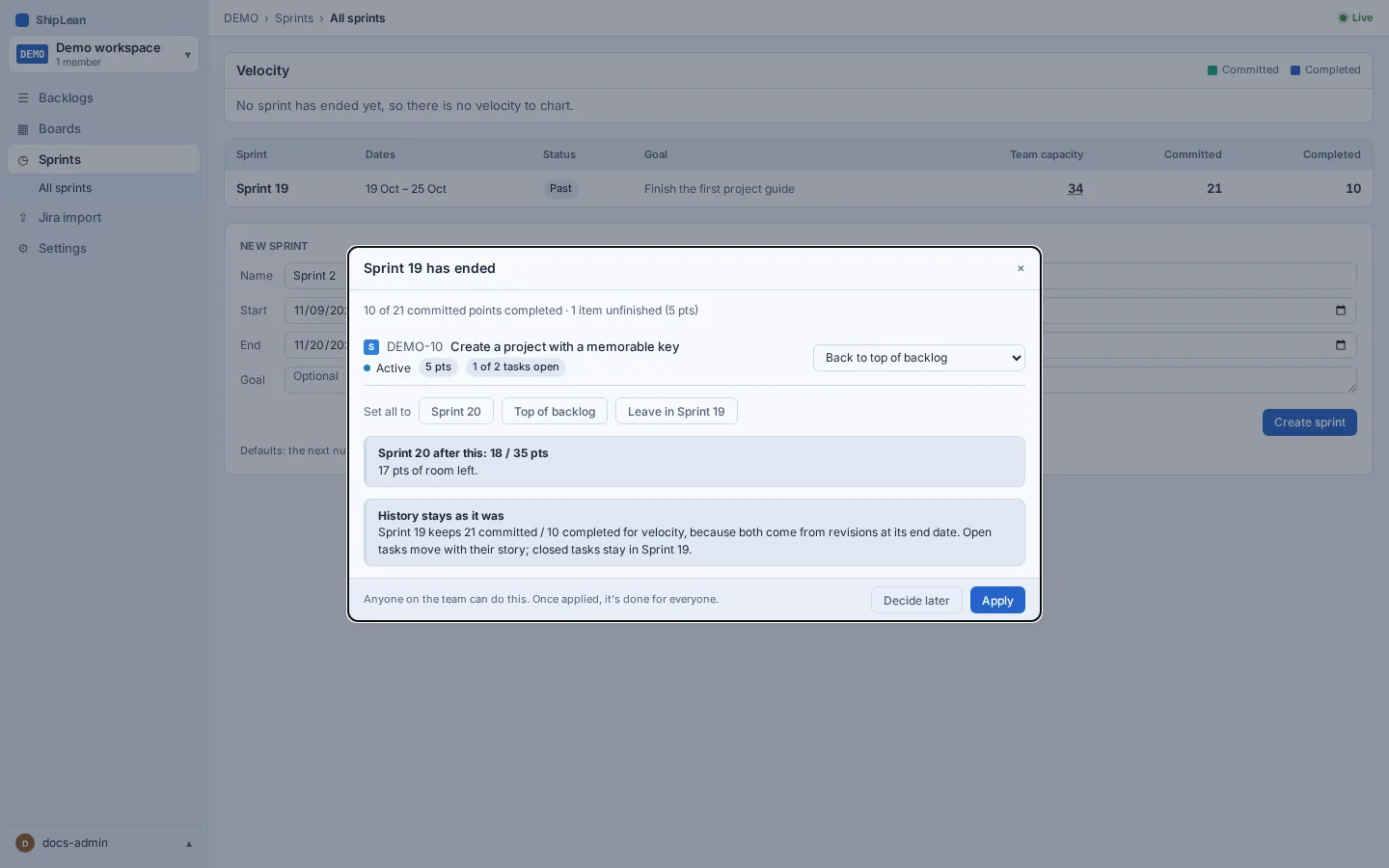
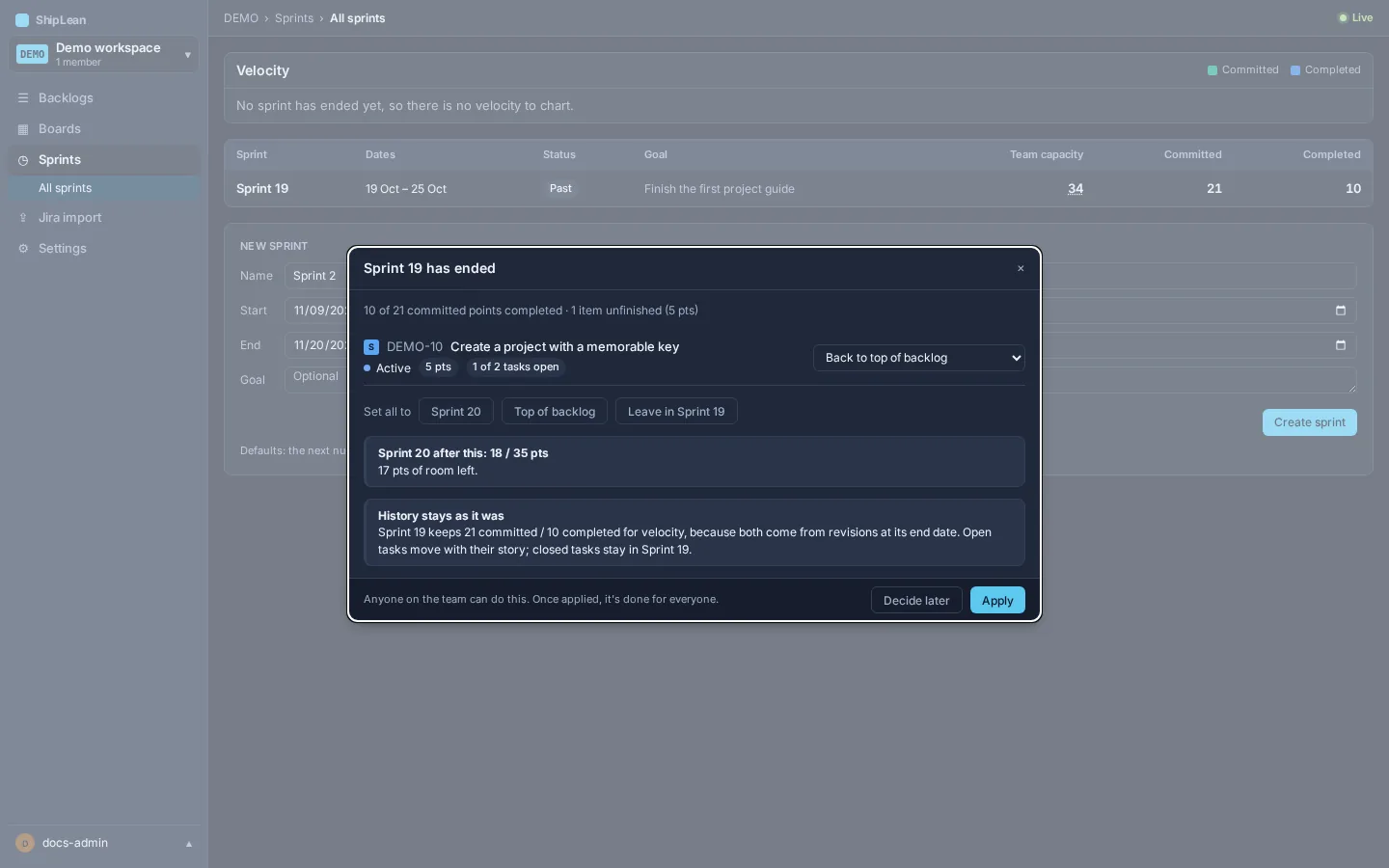
The ended sprint keeps its committed and completed totals for velocity history. Moving unfinished work does not rewrite those totals.