

Agents in ShipLean
An agent is a client connected to ShipLean through MCP. Each connection has its own name in work item history and comments. The agent acts as the person who signed in. It sees only that person’s projects and uses that person’s project membership.
You can use an agent to:
- capture an idea as a work item;
- search and research an item, then save findings on it;
- plan work and prepare a sprint;
- pick up a task and record progress;
- review project or sprint changes.
The agent’s changes stay attributed to its connection name. A gateway connection works differently. It acts as the person the gateway names, and it has no separate agent identity.
Supported clients
Section titled “Supported clients”You can connect ShipLean to Claude Code, Claude Desktop, Claude on the web, or Cursor. Every client uses the same MCP address from your profile. To set up a client, start with Connect an agent.
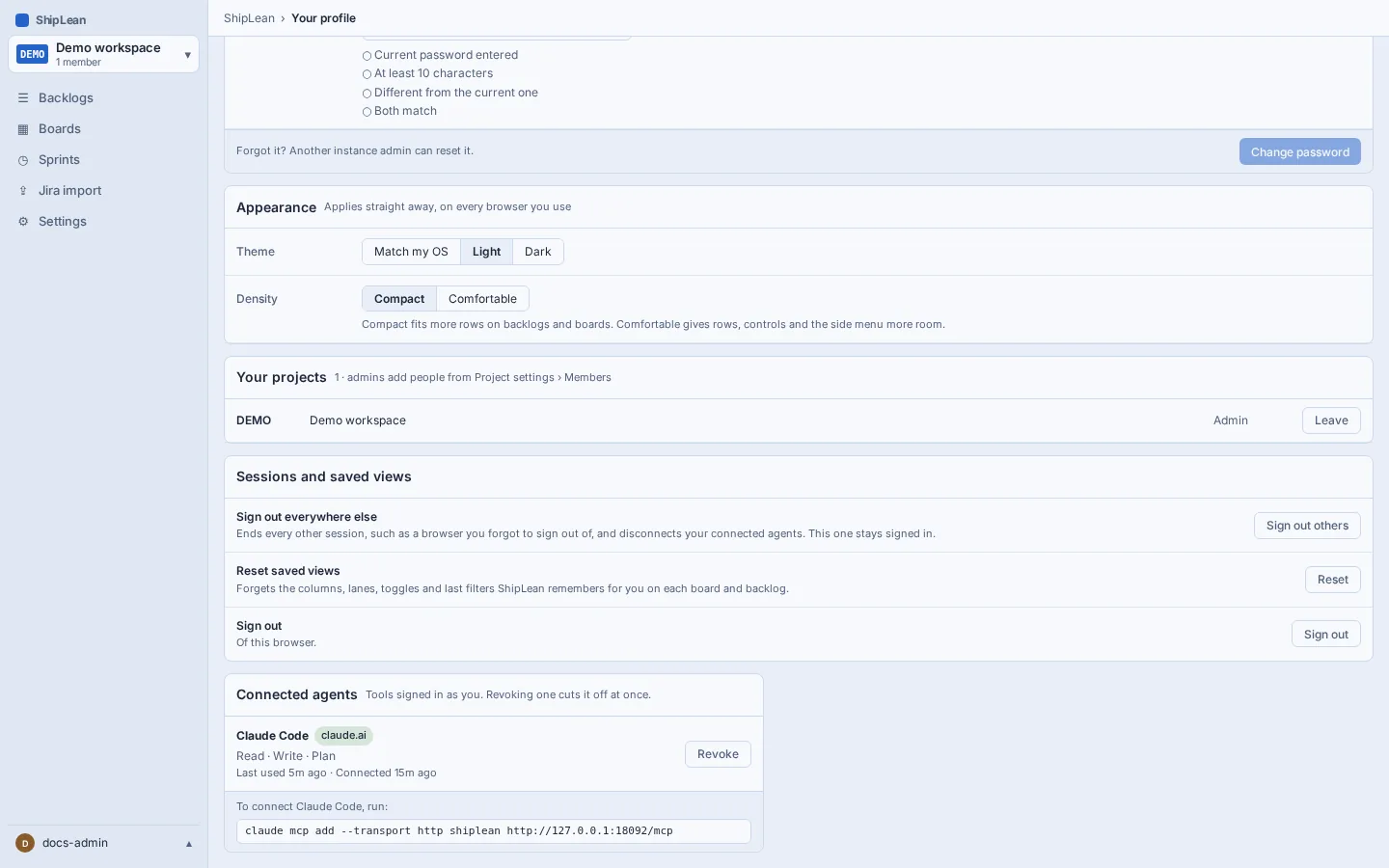
Your profile lists active connections and lets you revoke one. See authentication options for the sign-in methods and scopes and step-up for the permissions an agent receives.